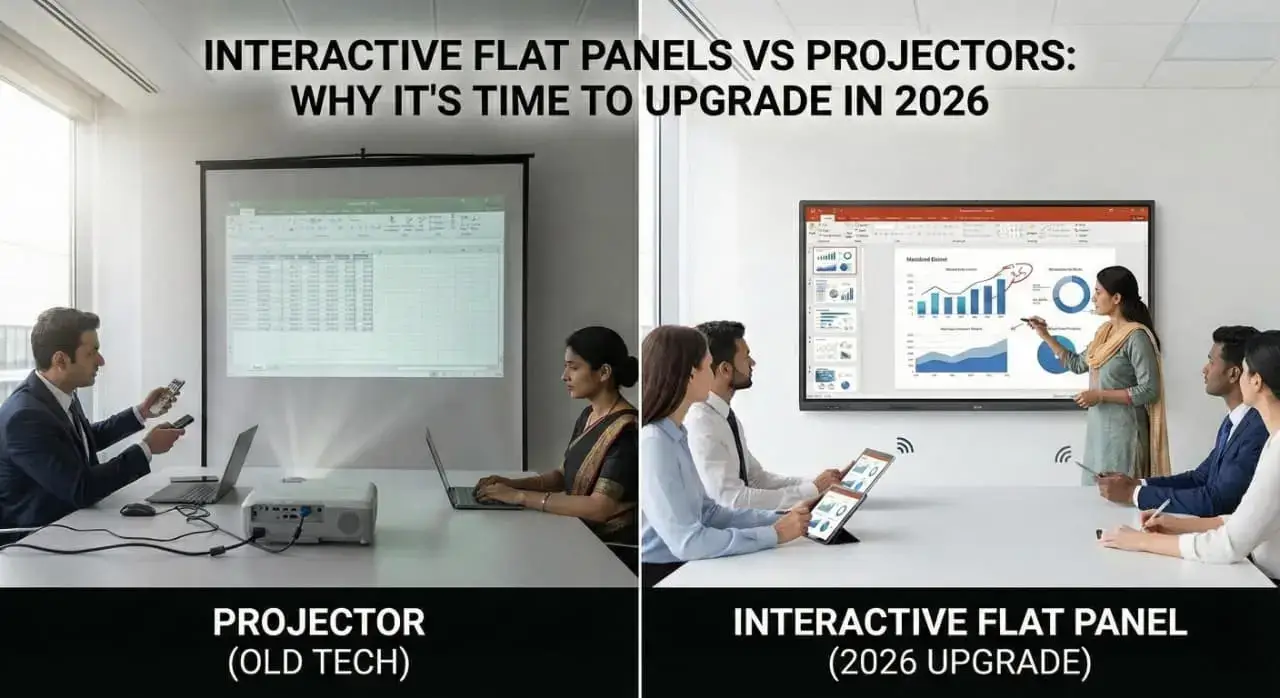
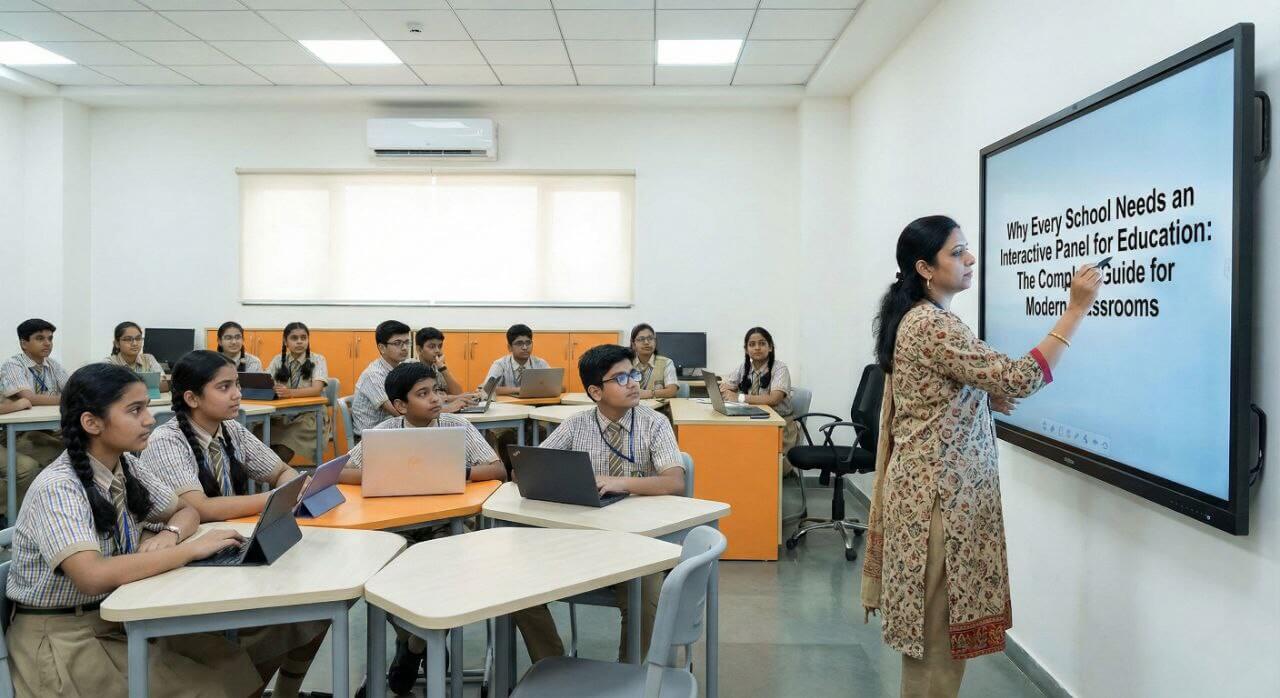
Choosing from the Top 5 Interactive Flat Panels in India for Coaching centre is one of the most critical investments you will make in 2026. The market is flooded with options, technical jargon, and varying price points, making it incredibly difficult to separate the “good” from the “great.” A wrong choice can lead to lagging screens, poor writing experiences, and wasted budget.
Whether you are running a small tuition centre or a large hybrid classroom, you need a display that is reliable, responsive, and packed with features that actually help you teach. To save you time and confusion, I have tested and analysed the market to bring you this definitive list of the Top 5 Interactive Flat Panels in India for Coaching. Let’s dive in.
Category: Advance and Premium Features, Value for Money Product
Overview
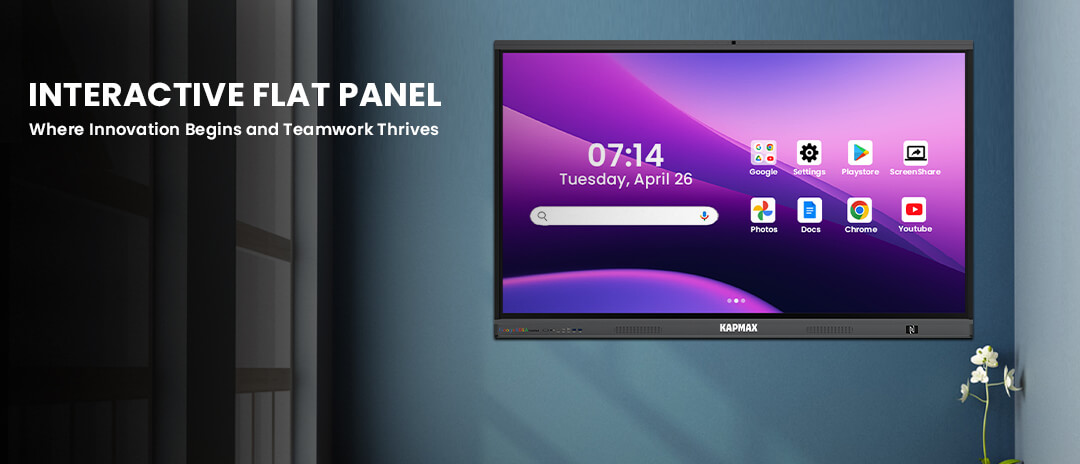
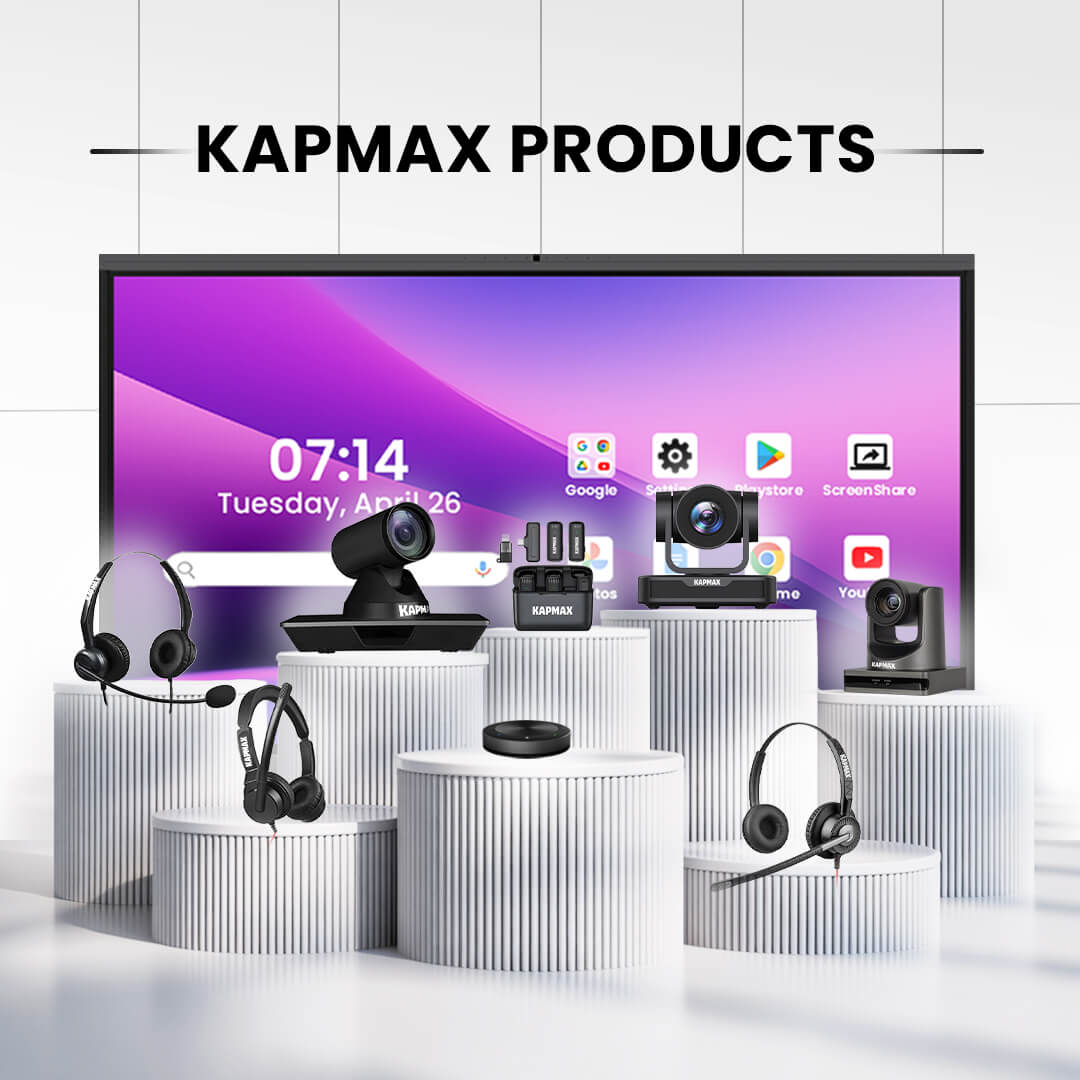
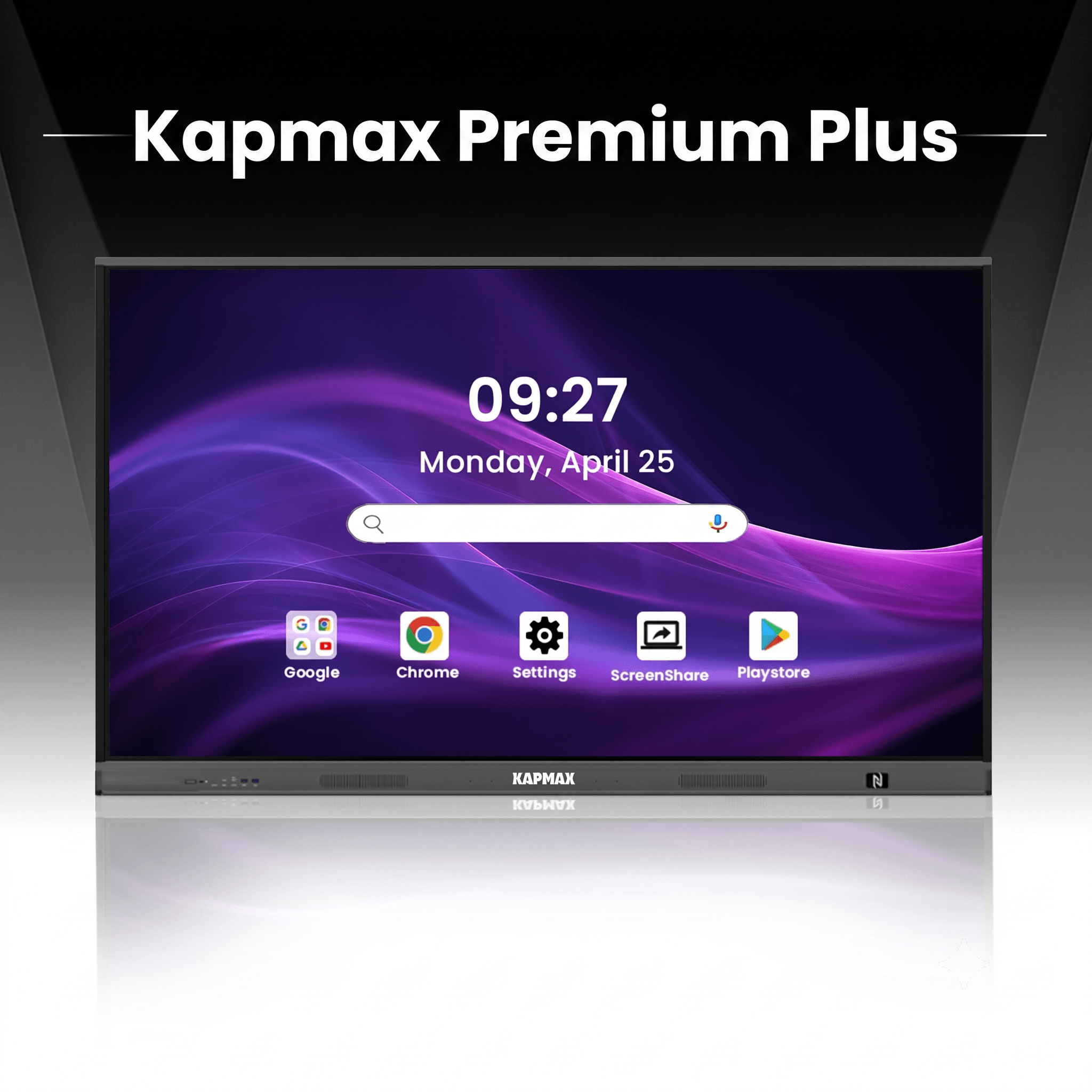
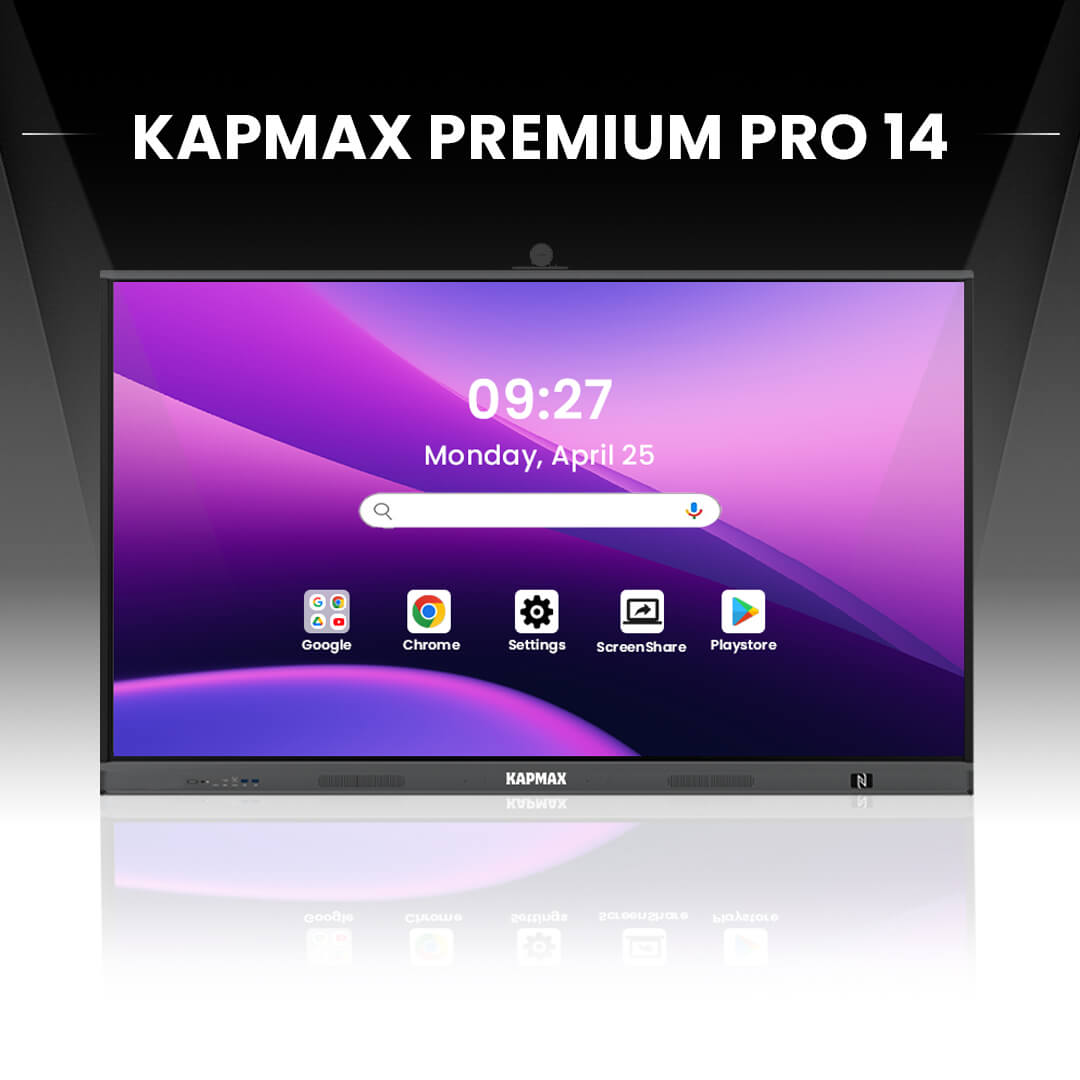
Kapmax has rapidly emerged as a favourite among Indian educators, specifically designed to bridge the gap between premium features and affordability. It stands out because it doesn’t just offer hardware; it offers a complete “Smart Classroom” ecosystem. It is widely recognised as a “Value for Money” product that delivers high-end specifications often found in much more expensive international brands.
Key Features
- Premium Display: 4K UHD resolution with Zero Bonding technology for a paper-like writing experience.
- Powerful Performance: Equipped with the latest Android 13/14 OS, high-speed RAM (up to 8GB), and ample storage (up to 128GB) for lag-free multitasking.
- AI Integration: Features AI-powered writing assistants and shape recognition tailored for teaching math and science.
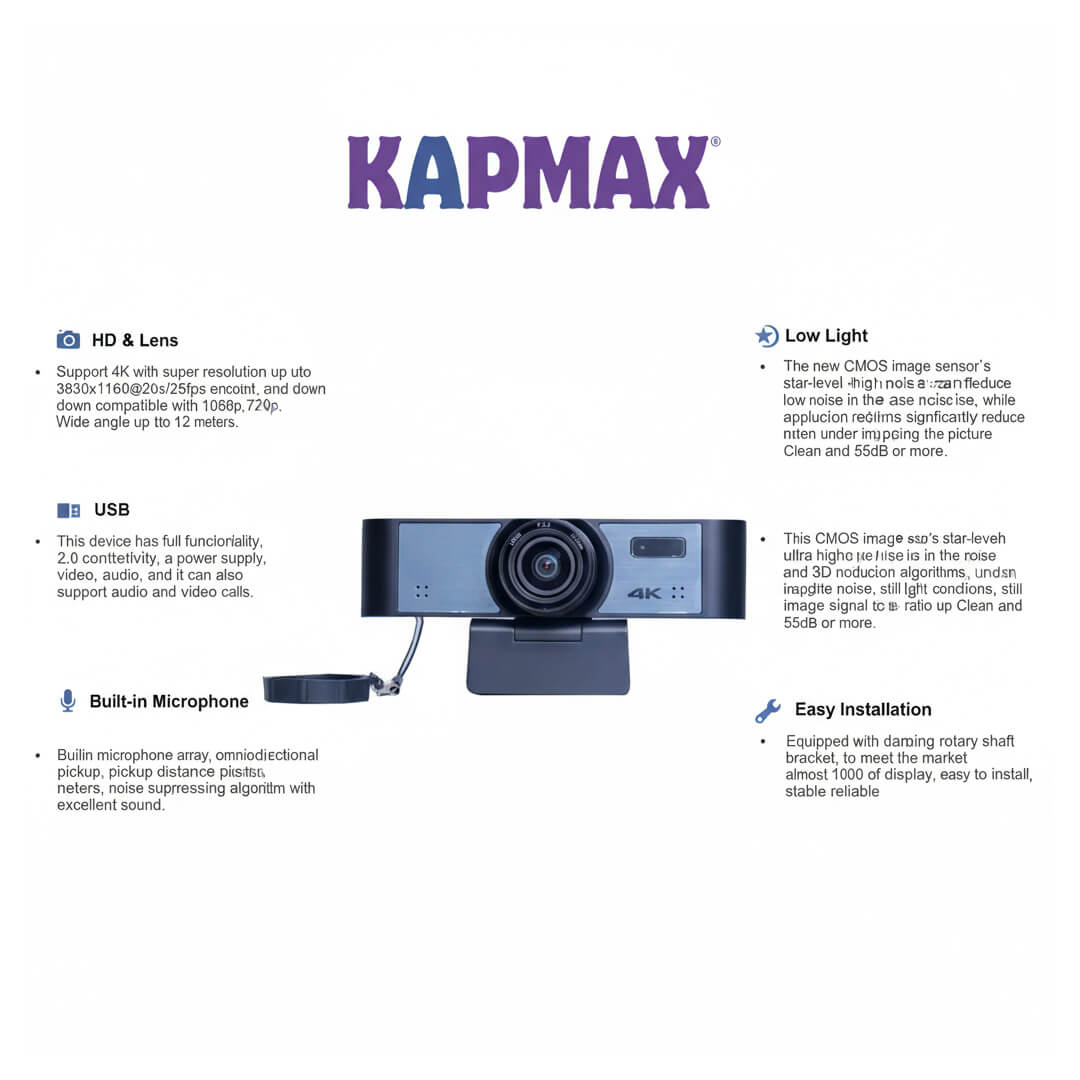
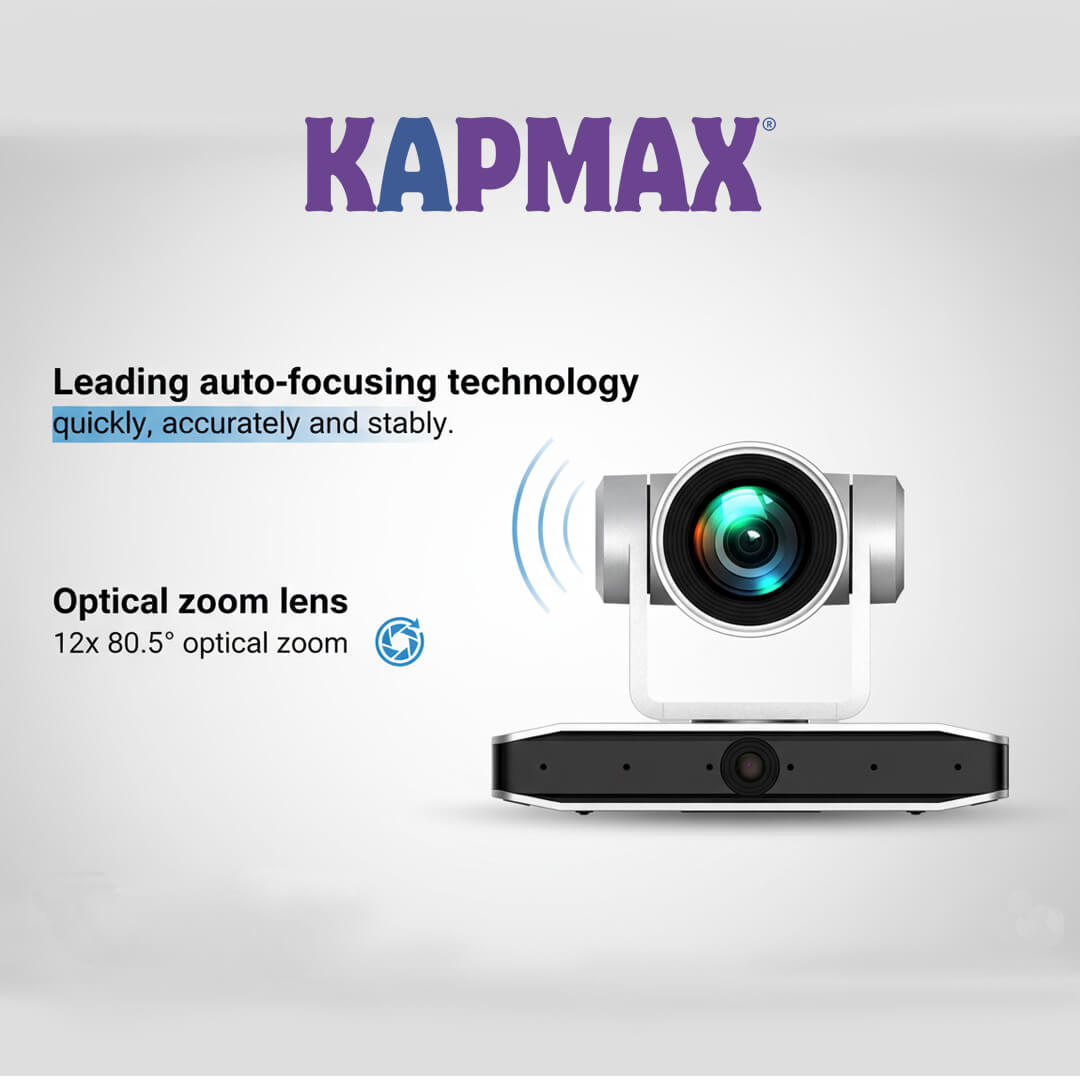
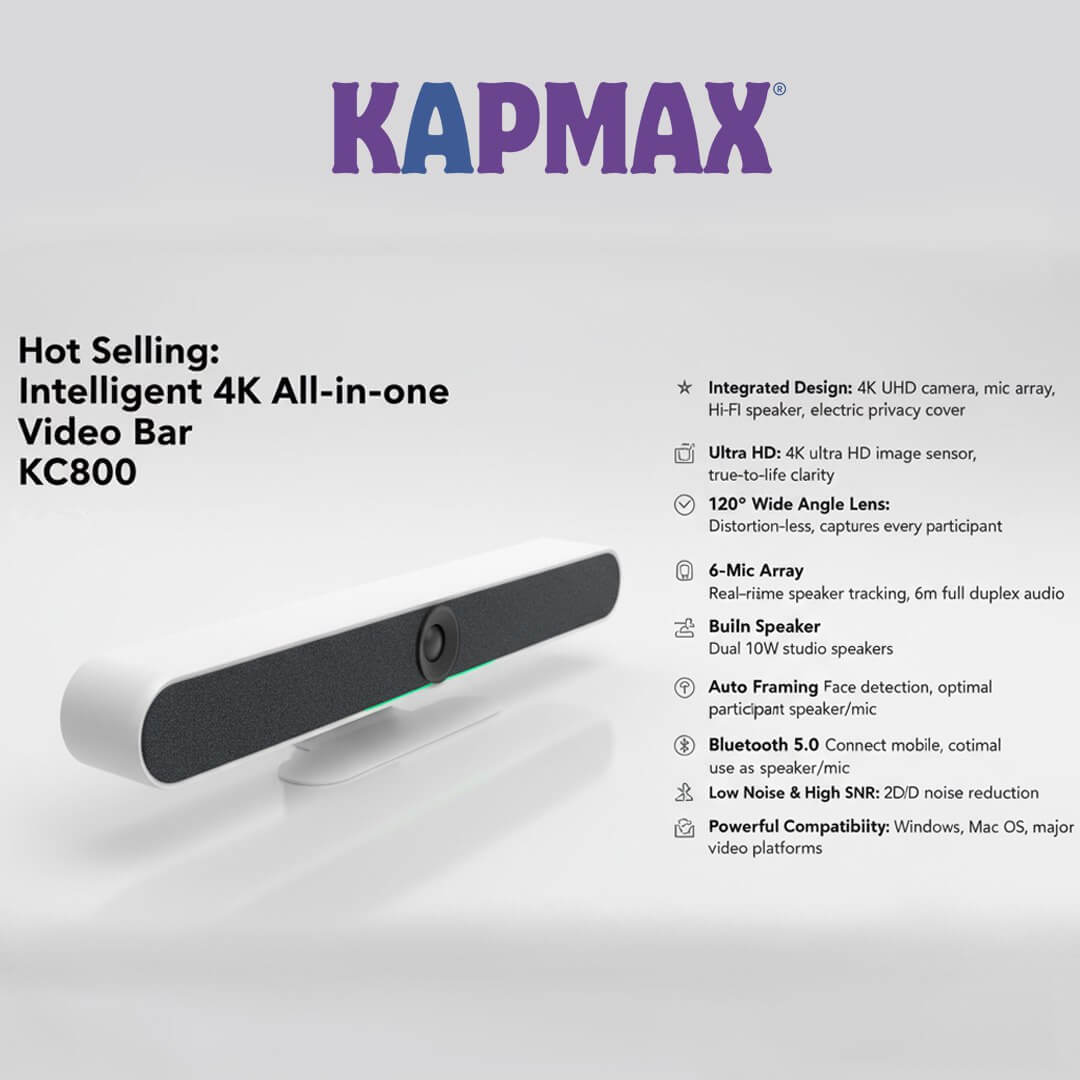
- Built-in Studio Mode: Often comes with integrated high-quality cameras and microphone arrays, making it ready for hybrid teaching (recording and live streaming) out of the box.
Pros & Cons
- Pros: Exceptional value for money; “All-in-One” studio capabilities; highly responsive touch.
- Cons: Brand recognition is growing, but not as historic as Samsung or LG.
Best For:
Smart Buyers & Growing Institutes. Ideal for coaching owners who want maximum features (recording, streaming, premium touch) without breaking the bank.
2. Maxhub
Category: Advanced Features
Overview
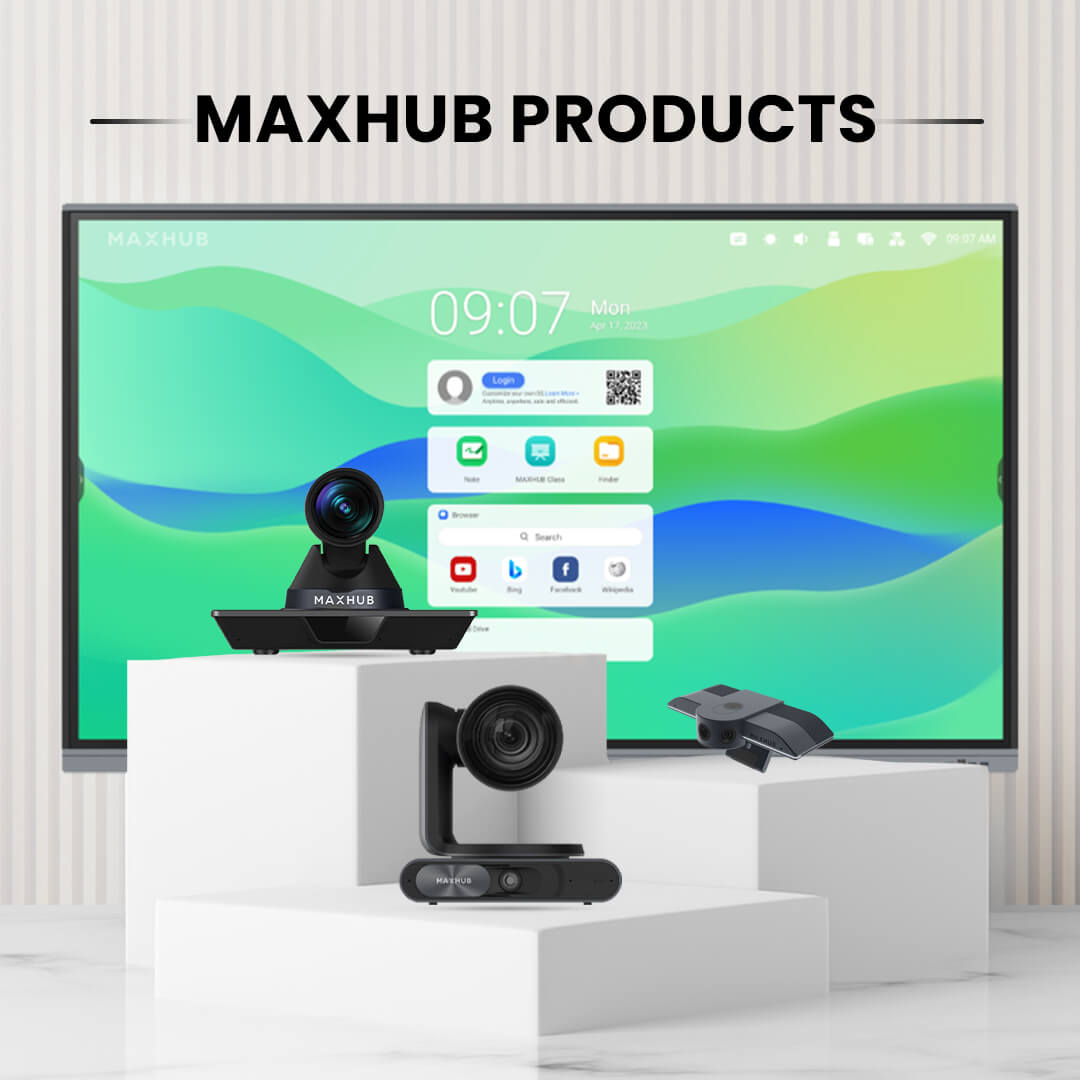
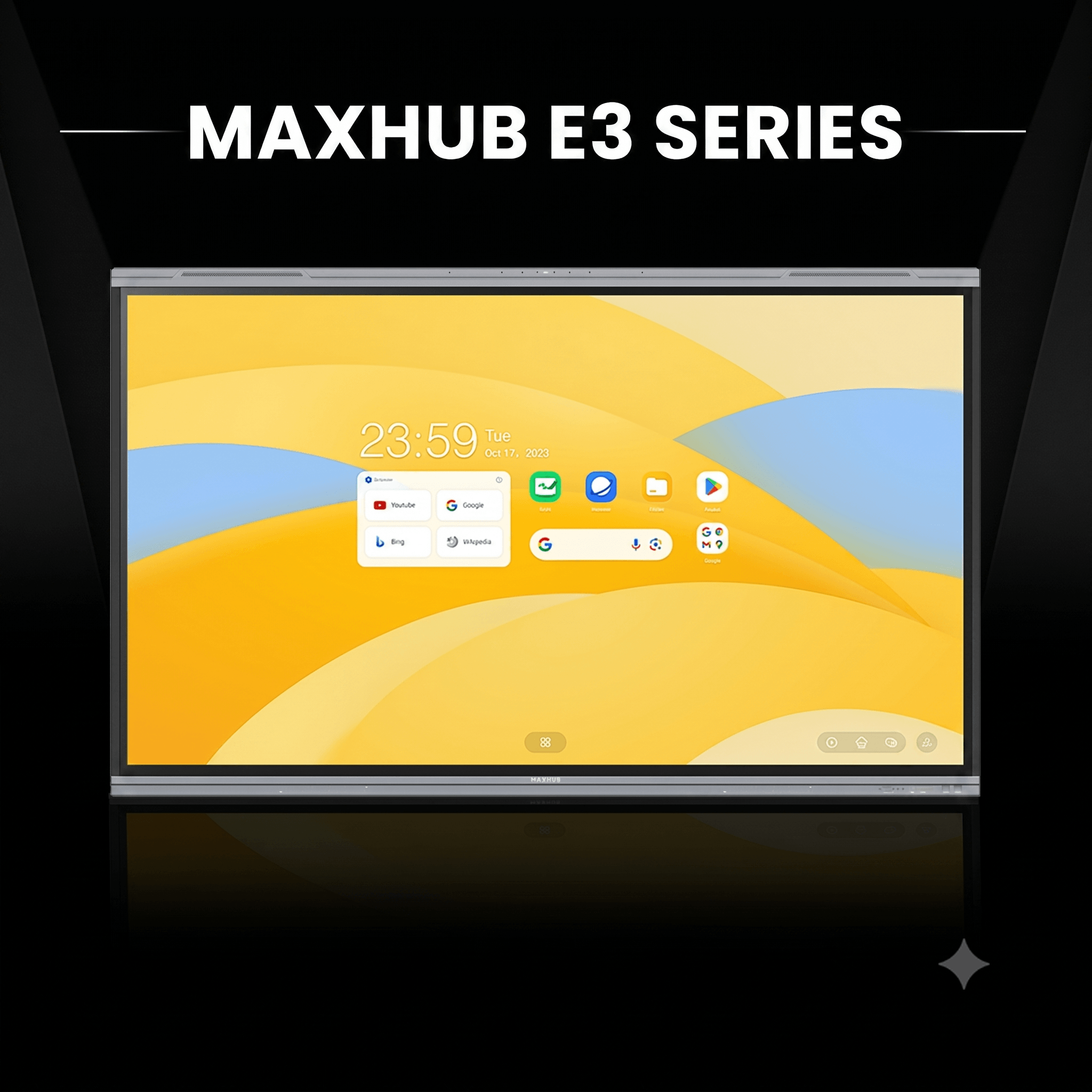
Maxhub is a heavyweight in the corporate and educational display market. Known for its sleek design and focus on collaboration, the Maxhub Education Series is built to facilitate seamless interaction. Their panels are engineered to reduce eye strain and improve student engagement through intuitive software.
Key Features
- Eye-Care Technology: TÜV-certified low blue light and flicker-free screen to protect teachers’ and students’ eyes during long classes.
- Audio-Visual Excellence: High-quality integrated speakers and a built-in camera (in specific models) designed for remote collaboration.
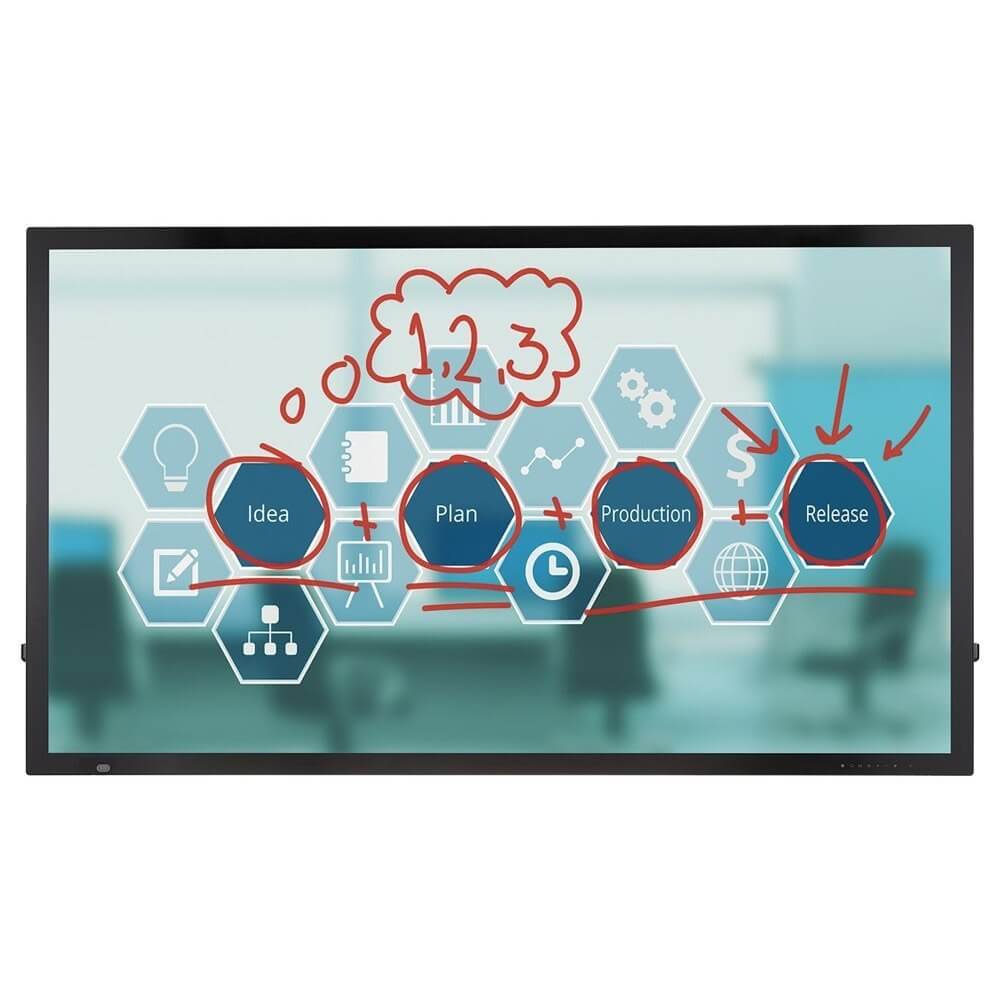
- Smart Annotation: Their “Note” software is robust, allowing for easy annotation over any app or input source.
- Wireless Sharing: Seamless screen sharing from mobile phones and laptops without needing messy cables.
Pros & Cons
- Pros: Excellent build quality; superior audio/video features for hybrid classes; very intuitive software interface.
- Cons: slightly higher price point compared to budget options; interface can feel more “corporate” than “education” focused initially.
Best For:
Hybrid Classrooms. Great for institutions that have a mix of physical and online students and require robust AV capabilities.
3. LG
Category: Advanced Features
Overview
LG is a household name for a reason. The LG CreateBoard series brings the reliability of a global electronics giant into the classroom. LG focuses heavily on display panel quality (IPS panels) and longevity, ensuring that the screen remains bright and clear even after years of daily use.
Key Features
- IPS Panel Technology: Offers superior viewing angles and colour accuracy, ensuring students sitting at the far corners can see clearly.
- Multi-Touch Precision: Supports up to 40 touch points, allowing multiple students to write on the board simultaneously.
- ConnectedCare DMS: A cloud solution that allows IT managers to remotely monitor and manage multiple displays across different classrooms.
- Simple Connectivity: USB-C connectivity allows for simultaneous charging and data transfer with a single cable.
Pros & Cons
- Pros: extremely reliable hardware, vivid picture quality, and a trusted service network across India.
- Cons: Software ecosystem is good, but less feature-rich for “coaching specific” tools compared to competitors.
Best For:
Large Institutions. Perfect for schools and large coaching chains that value hardware reliability and longevity over niche software features.
4. Samsung
Category: Advanced Features
Overview
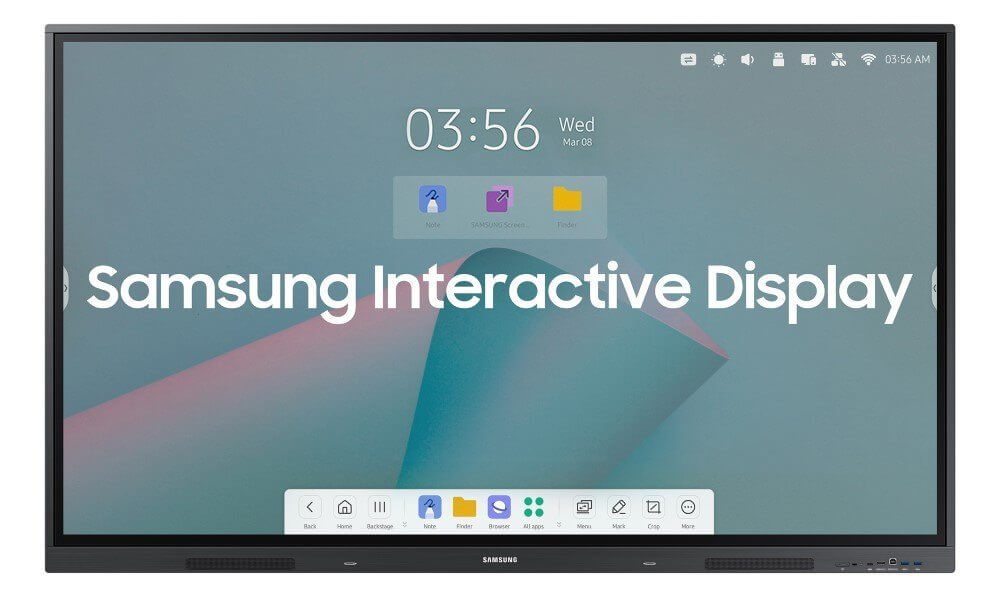
Samsung’s “Flip Pro” series has revolutionised the interactive display market with its unique focus on the writing experience. They aim to replicate the feel of a traditional analogue flip chart or whiteboard, but in a digital format. It is arguably the most fluid writing experience available.
Key Features
- Real-Writing Experience: Industry-leading touch latency (as low as 26ms) makes writing feel instant and natural, like writing with a pen on paper.
- Pen & Brush Mode: Unique mode that allows for painting and drawing with pressure sensitivity, excellent for creative subjects.
- AirPlay 2 & SmartView+: Best-in-class wireless casting, especially for educators using Apple devices (iPads/MacBooks).
- Knox Security: Enterprise-grade security to protect your data and content.
Pros & Cons
- Pros: The best writing “feel” in the industry, excellent integration with Apple products, and highly secure.
- Cons: Lacks some of the “heavy” distinct inputs/outputs found in bulkier panels; Android experience is heavily skinned/customised.
Best For:
Premium Educators & Design Coaches. If your teaching style relies heavily on handwriting, drawing, or using an iPad, this is the top choice.
5. Viewsonic
Category: Advanced Features
Overview
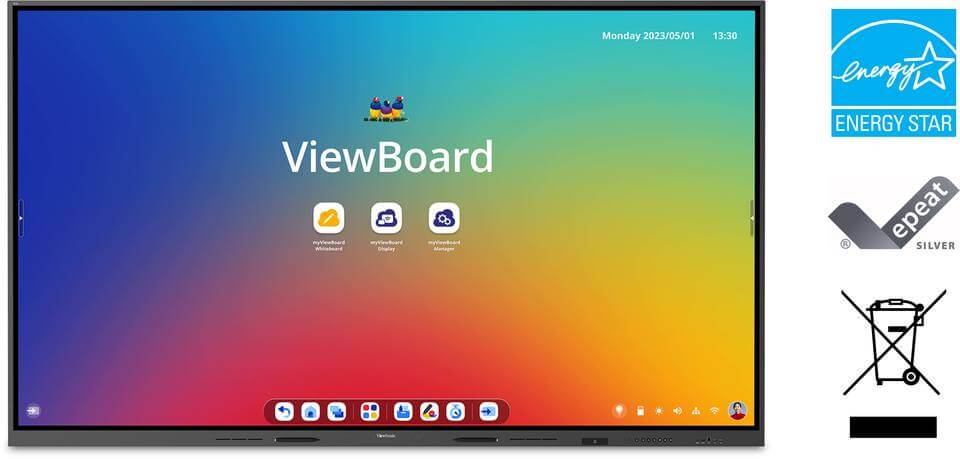
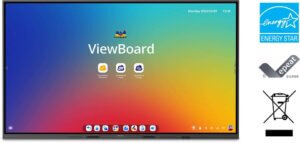
Viewsonic has been a dominant player in the US EdTech market and has a strong foothold in India with its “ViewBoard” series. Their biggest selling point is not just the hardware, but the “myViewBoard” software ecosystem, which is arguably the most comprehensive teaching software suite available.
Key Features
- myViewBoard Software: A powerful digital whiteboard software that integrates with Google Classroom and allows for drag-and-drop of 3D models and educational content.
- Ultra Fine Touch: Precision touch technology that differentiates between a stylus, finger, and palm (for erasing).
- Dual Pen Support: Allows teachers to write in two different colours automatically with different ends of the stylus.
- Robust Connectivity: extensive ports including HDMI-out for recording devices and multiple USB touch ports.
Pros & Cons
- Pros: Incredible software ecosystem for teachers; excellent community support and training; reliable hardware.
- Cons: The sheer number of features in the software can have a slight learning curve for non-tech-savvy teachers.
Best For:
Tech-Savvy Teachers. Ideal for educators who want to use advanced software tools, 3D models, and cloud integration in their lessons.
Comparison Table
|
Brand
|
Price Estimate
|
Key Feature
|
Rating
|
|
Kapmax
|
Value for Money
|
Premium “Studio” Features & AI |
4.9/5 |
|
Maxhub
|
High |
Eye-Care & Built-in AV |
4.7/5 |
|
LG
|
Premium |
IPS Panel & Durability |
4.6/5 |
|
Samsung
|
Premium |
26ms Low Latency Writing |
4.7/5 |
|
Viewsonic
|
Mid-High |
myViewBoard Software Ecosystem |
4.8/5 |
Buyer’s Guide: How to Choose from the Top 5 Interactive Flat Panels in India for Coaching
- Check the Touch Experience: Look for “Zero Bonding” technology. This minimises the gap between the glass and the display, making writing feel natural rather than “floating.”
- Software is Key: Hardware is useless if the whiteboard software is hard to use. Ensure the panel has tools like “infinite canvas,” “palm erase,” and “shape recognition.”
- Size Matters:
- 65-inch: Good for small tuition rooms (10-15 students).
- 75-inch: The standard for most coaching setups (30-50 students).
- 86-inch: Essential for large halls (50+ students).
- Service & Support: In India, on-site warranty is crucial. Ensure the brand you choose has a service centre network near your city.
Conclusion
All five brands on this list—Kapmax, Maxhub, LG, Samsung, and Viewsonic—are excellent choices that will upgrade your teaching experience.
However, if you are looking for the absolute #1 recommendation from Top 5 Interactive Flat Panels in India for Coaching that balances performance, budget, and features, I recommend
Kapmax. It is the only option that explicitly positions itself as a Value for Money product while still delivering Premium Features like AI integration and studio-ready tools. For a coaching owner in India who wants the highest ROI (Return on Investment), Kapmax is the smart choice for 2026 from the Top 5 Interactive Flat Panels in India for Coaching.