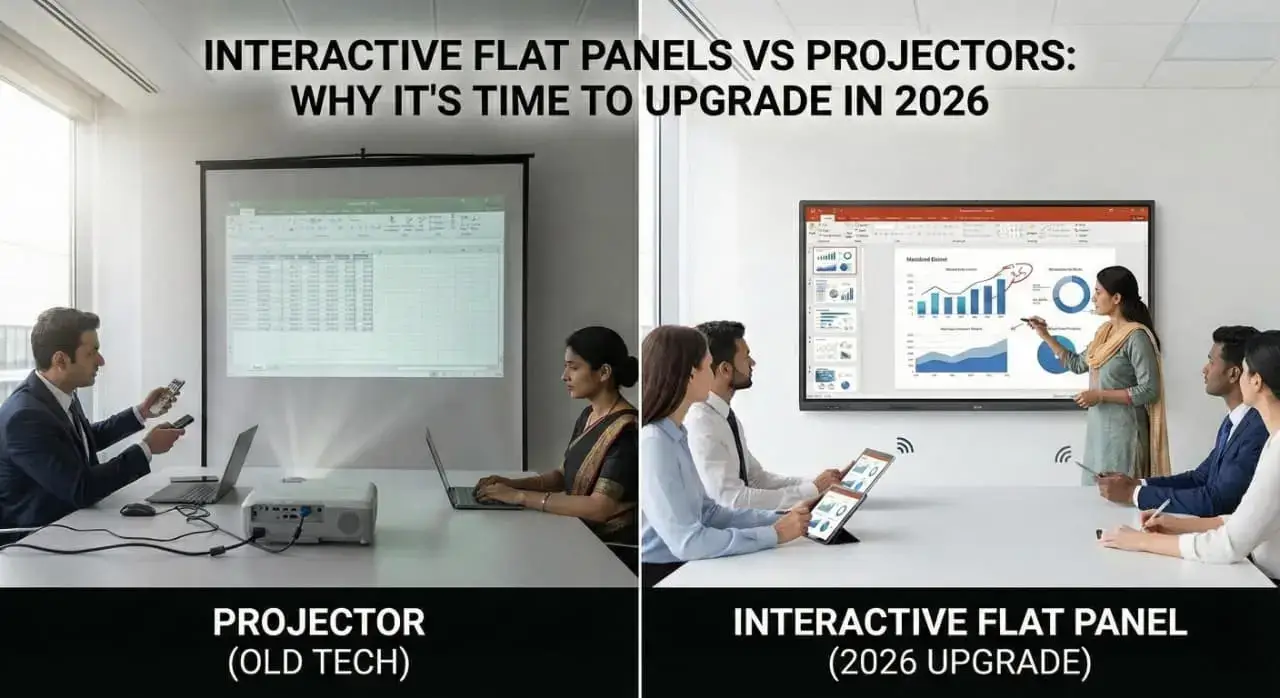
Here is a question: How many times have your team meetings been derailed by a blurry projector image, fumbling with cables, or someone saying, “Can you turn off the lights so we can see the screen?”
If you nodded yes, you are not alone. A recent study shows that 37% of meeting time in Indian offices is wasted on technical difficulties, and outdated projectors are often the culprit.
The good news? There is a better way to go. Interactive flat panels (also known as smartboards or digital boards) are transforming meeting rooms across India, making presentations sharper, collaboration easier, and meetings more productive.
In this guide, you’ll discover why smart boards are replacing projectors in corporate India, what benefits they bring to your meeting room, and how to choose the right one for your office.
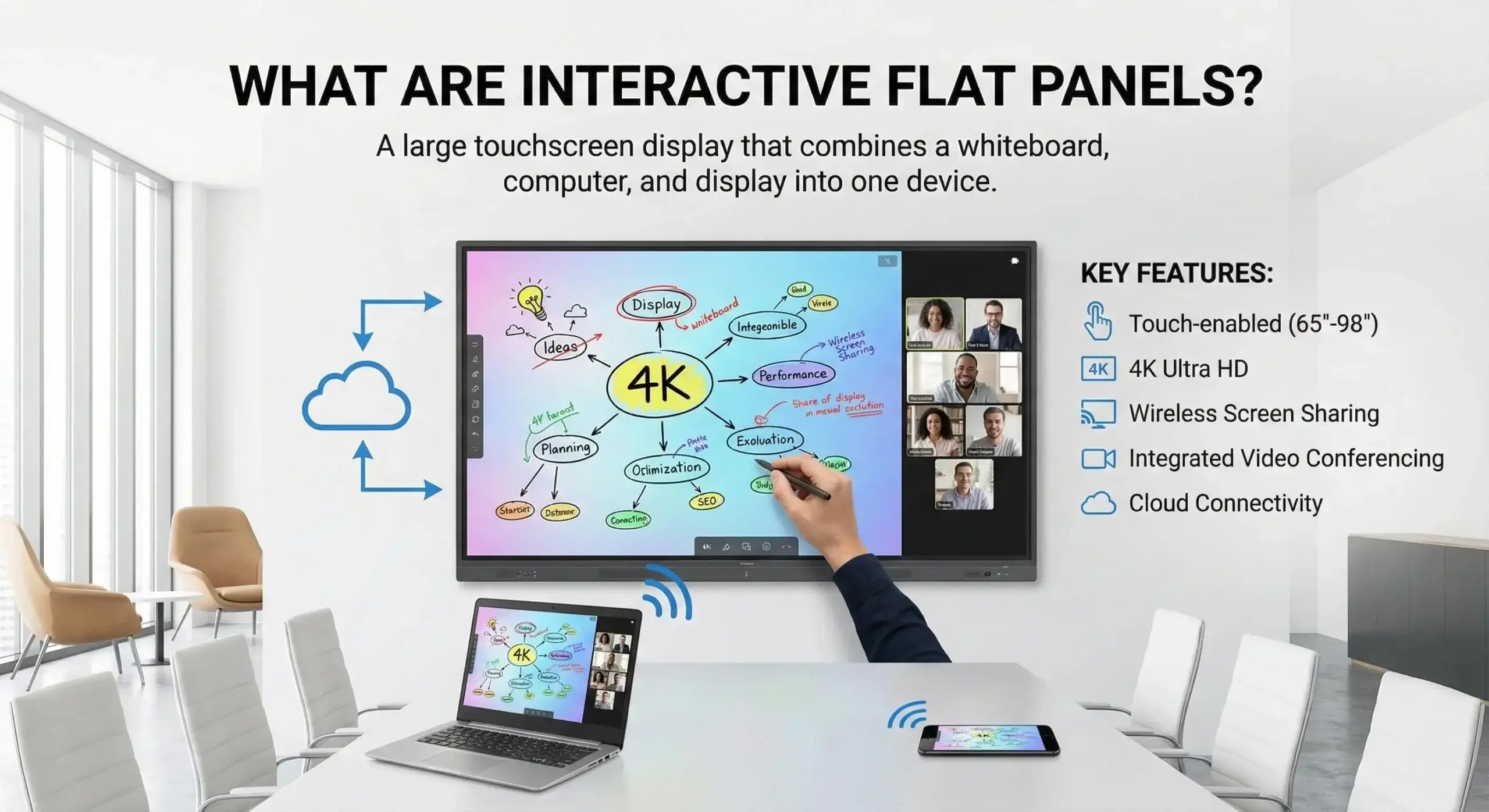
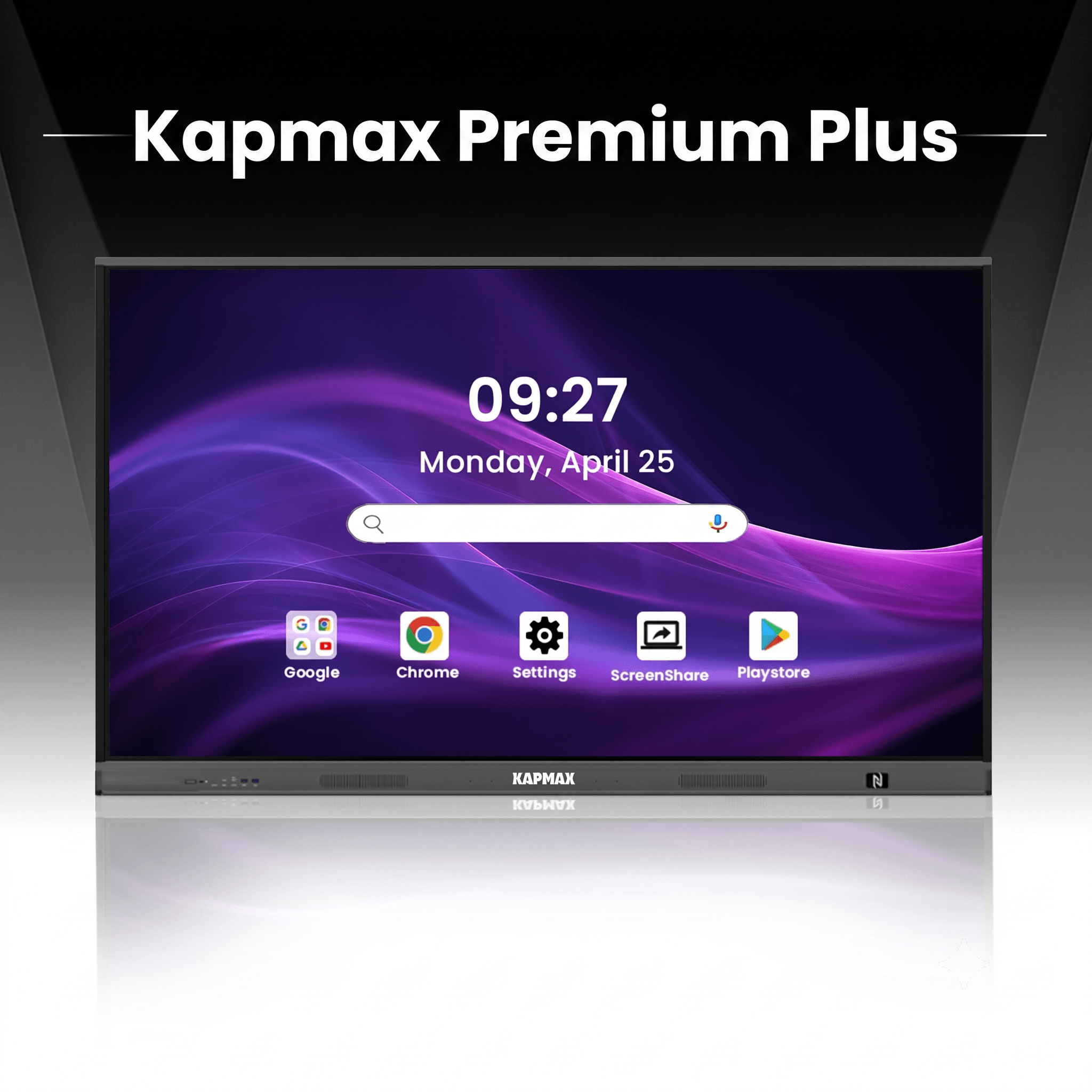
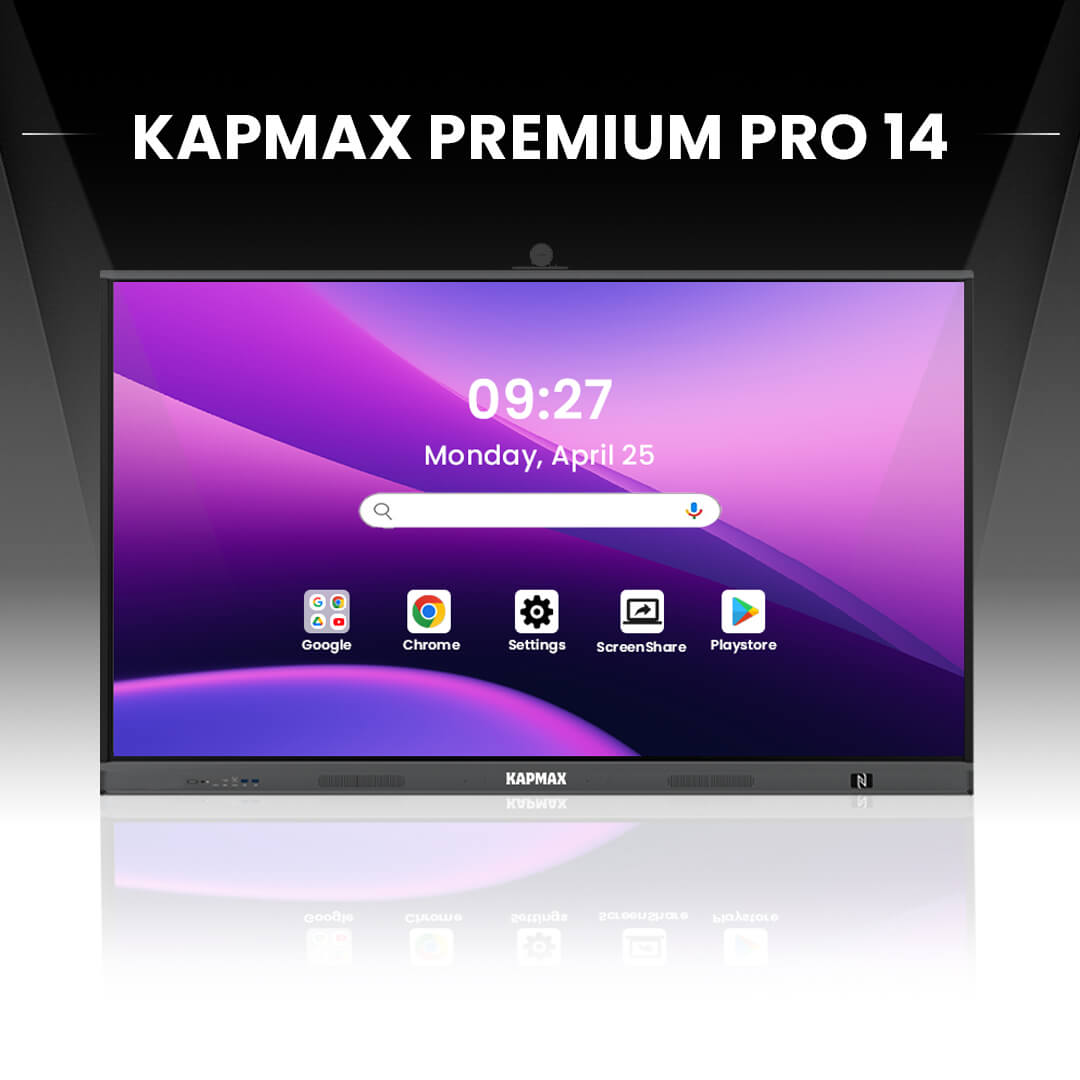
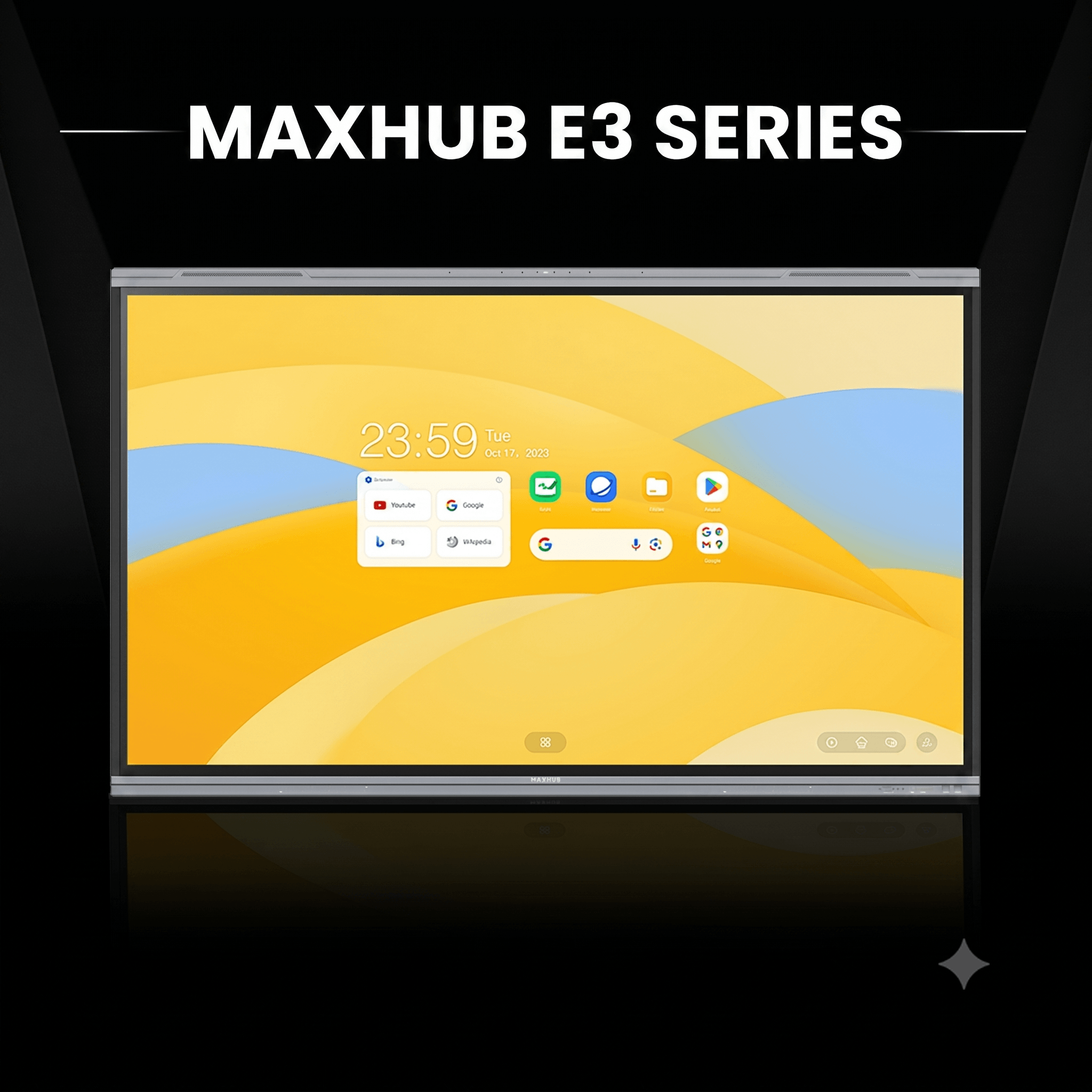
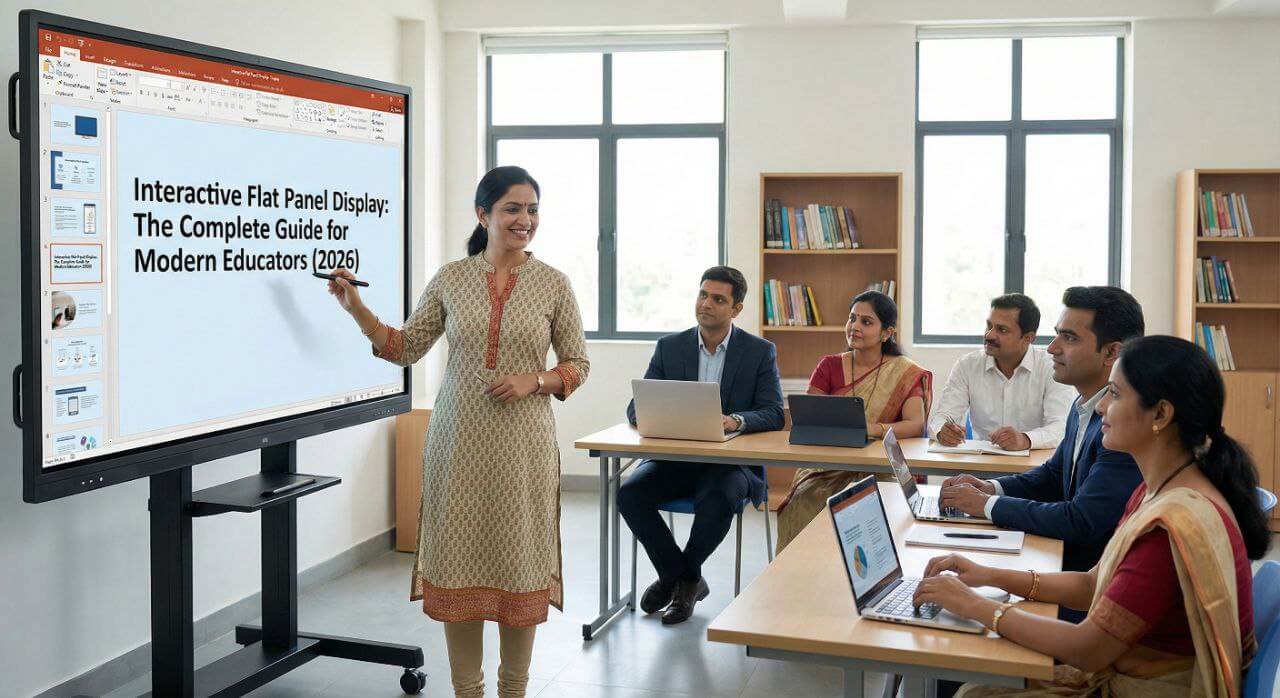
An interactive flat panel for the meeting rooms is essentially a large touchscreen display that combines a whiteboard, computer, and display screen into one device.
Think of it as a giant tablet mounted on your conference room wall. You can write on it, share presentations, video conferences, annotate documents in real-time, and save everything to the cloud without switching devices.
Brands like Kapmax, BenQ, ViewSonic, Samsung, and Newline are leading the Indian market with panels specifically designed for corporate environments.
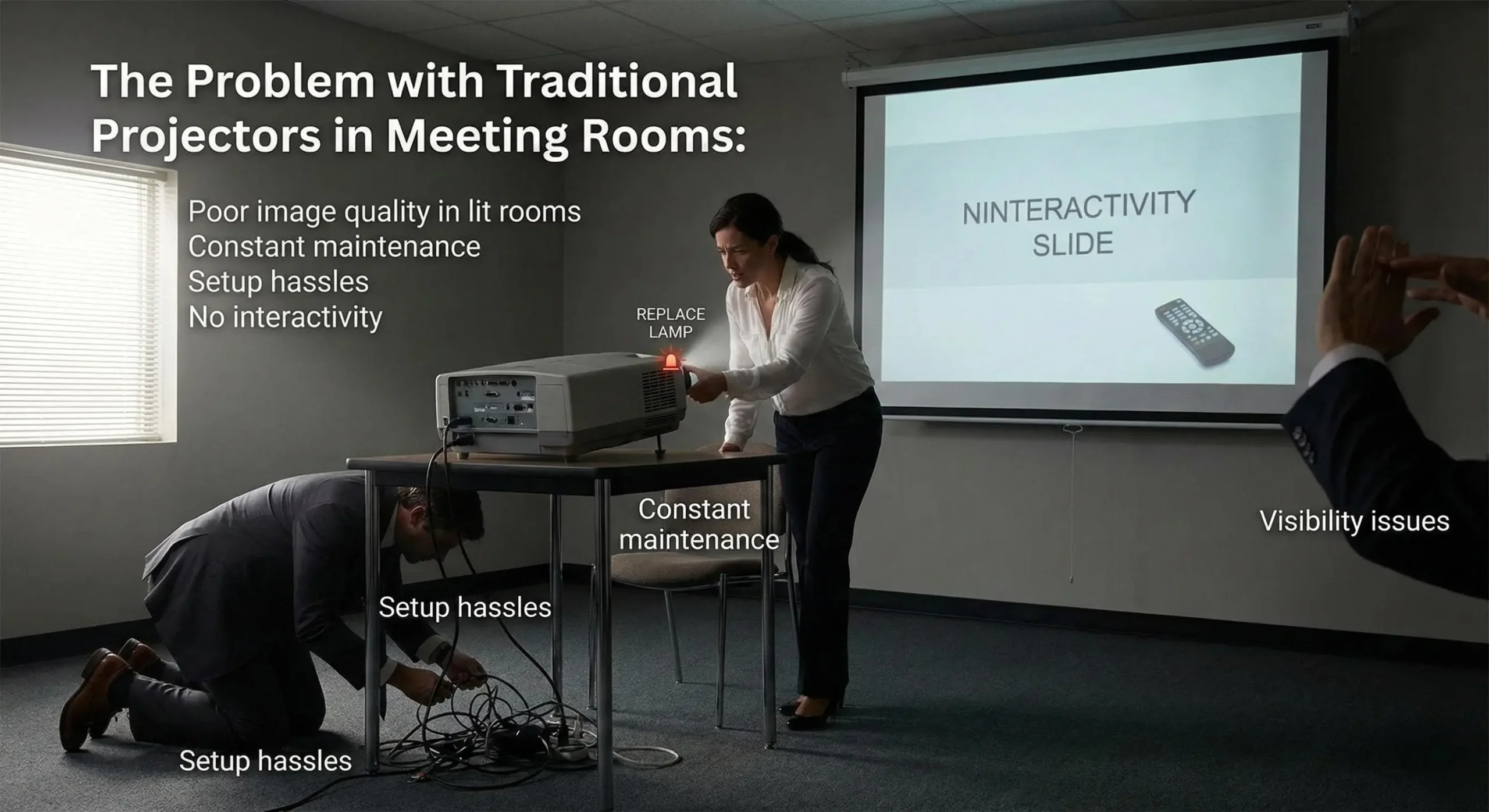
Let’s be honest, the projectors were great in the 2000s. But in 2026, they’re holding your team back.
One Mumbai-based IT firm calculated they lost 47 hours annually just troubleshooting their projector issues. That is more than a full work week wasted.
| Feature | Interactive Flat Panel | Traditional Projector |
| Image Quality | 4K Ultra HD, bright in any lighting | Dim, requires dark room |
| Maintenance | Minimal, no lamp replacement | Frequent lamp changes |
| Setup Time | Instant on, wireless sharing | 5-10 minutes per meeting |
| Interactivity | Full touch, annotation, collaboration | Display only |
| Lifespan | 50,000+ hours (15-20 years) | 2,000-5,000 hours |
| Total Cost (5 years) | ₹2.5-4.5 lakhs | ₹3-5 lakhs (including maintenance) |
| Collaboration | Multi-touch, simultaneous users | Not possible |
| Video Conferencing | Built-in camera & software | Requires additional setup |
The numbers speak for themselves. Smart boards for meeting rooms offer superior performance with lower long-term costs.
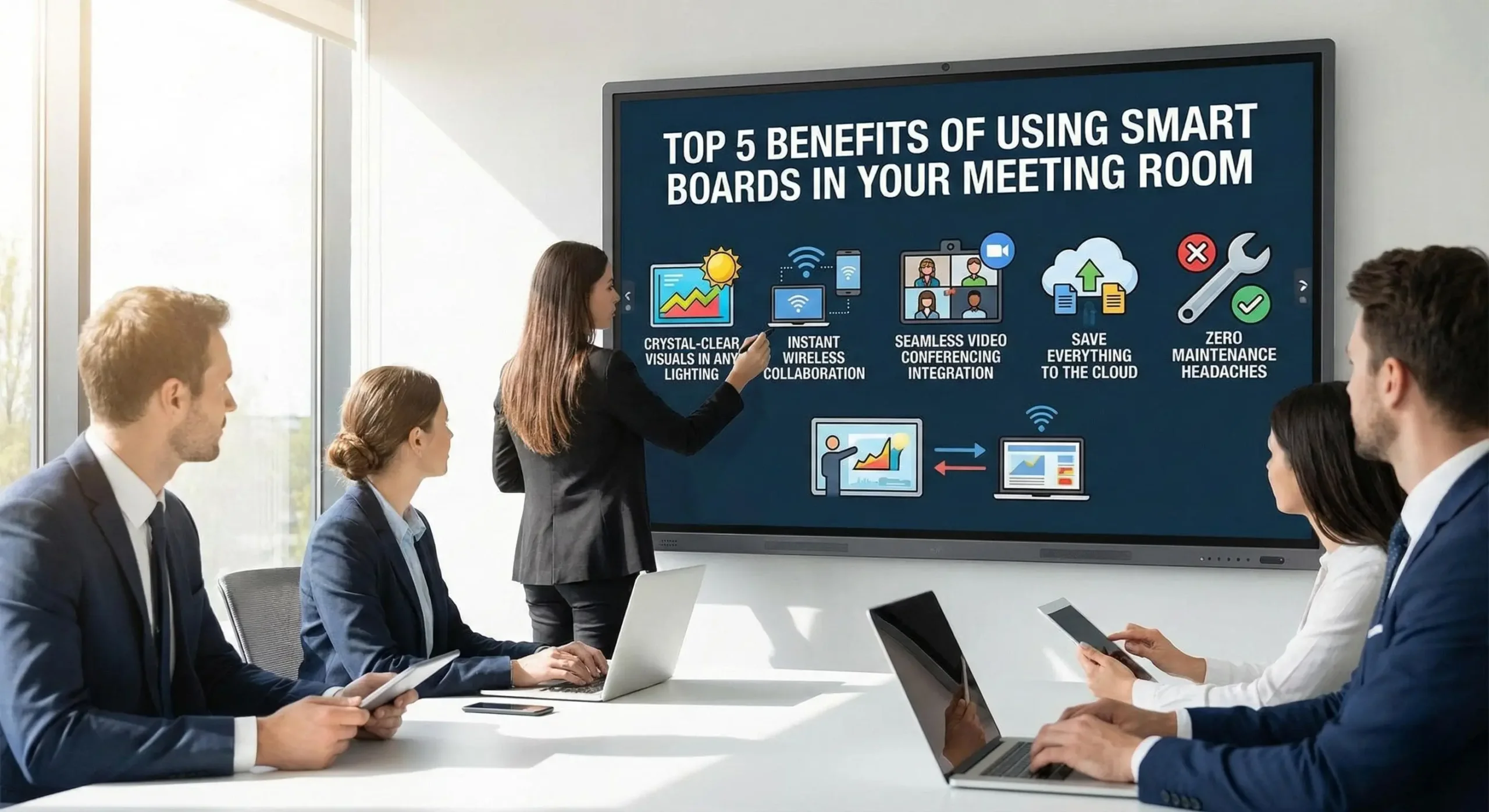
Your team no longer needs to sit in darkness during presentations. Interactive panels deliver bright, sharp 4K images even under fluorescent office lights.
This means your finance team can take notes while reviewing quarterly reports, and your designers can see true colours in their presentations.
Forget cables and adapters. With a digital board for meeting rooms, anyone can share their screen wirelessly from their laptop, tablet, or smartphone in seconds.
Multiple participants can annotate the same document simultaneously, perfect for brainstorming sessions or design reviews.
Most modern interactive panels come with built-in cameras, microphones, and speakers. They work natively with Zoom, Microsoft Teams, and Google Meet.
Your hybrid meetings become smoother. Remote team members to see and hear everything clearly, and you’re not juggling multiple devices.
Every whiteboard sketch, annotation, and note gets saved automatically. You can email meeting notes to participants instantly or save them to Google Drive, OneDrive, or your company server.
No more photographing whiteboards or losing brilliant ideas from brainstorming sessions.
Interactive flat panels last 50,000+ hours with virtually no maintenance. That is 15 to 20 years of daily use.
Compare this to projectors needing lamp replacements every 1 to 2 years, plus filter cleaning and alignment adjustments.
A 150-employee software company replaced projectors in their five meeting rooms with 75″ interactive panels. Results in 6 months:
A professional training institute switched to smart boards for their classrooms. Trainers can now:
Their course feedback scores improved by 31% after the upgrade.
Designers use the interactive panel touch capabilities to sketch concepts directly on-screen, manipulate 3D models, and present to clients with real-time modifications.
Client approval cycles shortened by 40% because changes happen during meetings, not after.
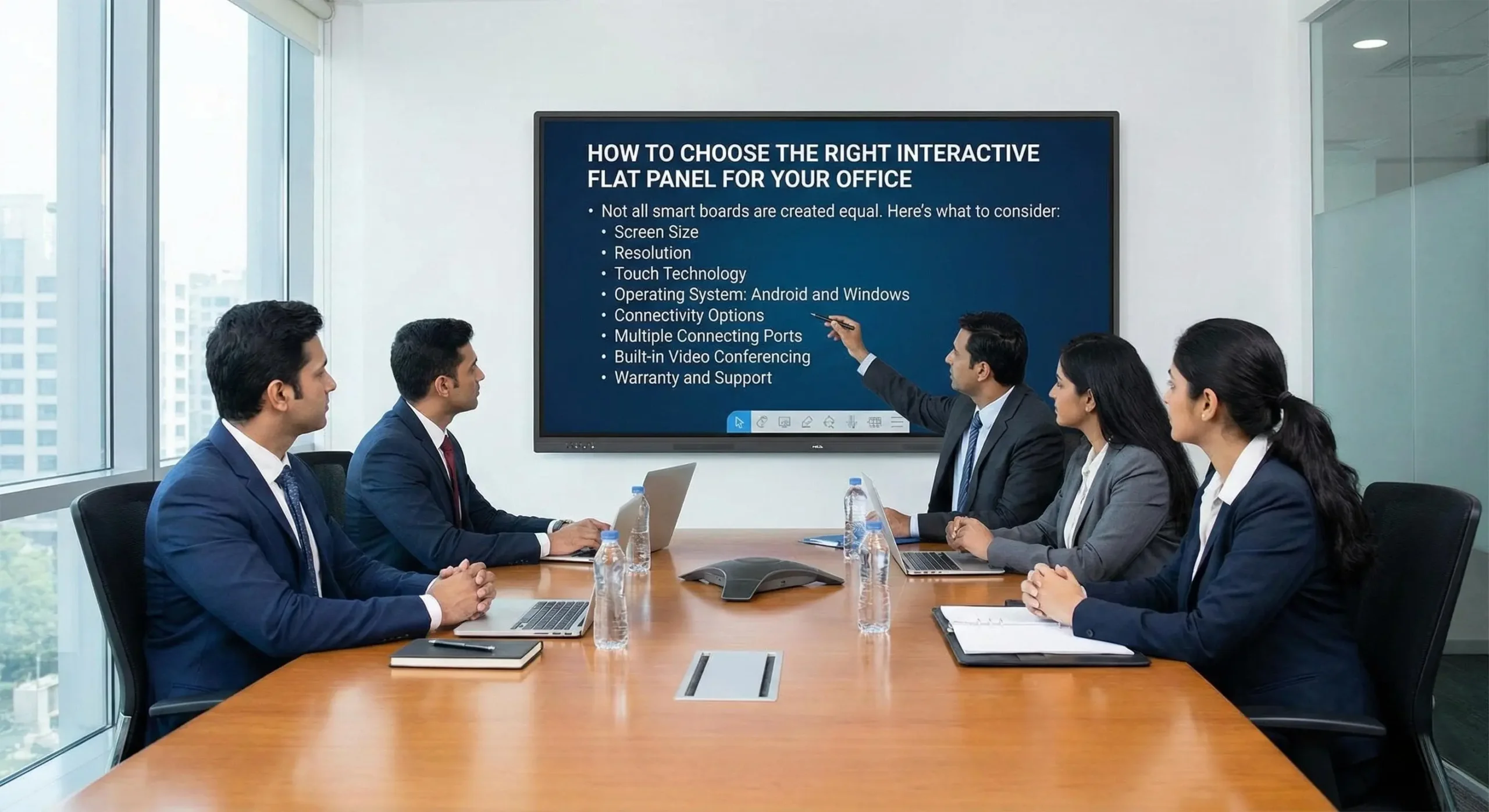
Not all smart boards are created equally. Here is what to consider:
Pro tip: Measure your viewing distance. For comfortable viewing, screen size (in inches) should equal viewing distance (in feet) × 1.5.
Always choose 4K Ultra HD (3840 × 2160). Full HD looks pixelated on large screens, especially for detailed spreadsheets or architectural drawings.
Infrared touch is most common and affordable. Capacitive touch offers smartphone-like responsiveness but costs more.
For corporate use, infrared touch works excellently.
Android-based panels are most popular in India because they’re familiar, support countless apps, and integrate easily with existing tools.
Windows-based panels cost more but might be necessary if you run specialized Windows-only software.
Ensure your panel supports:
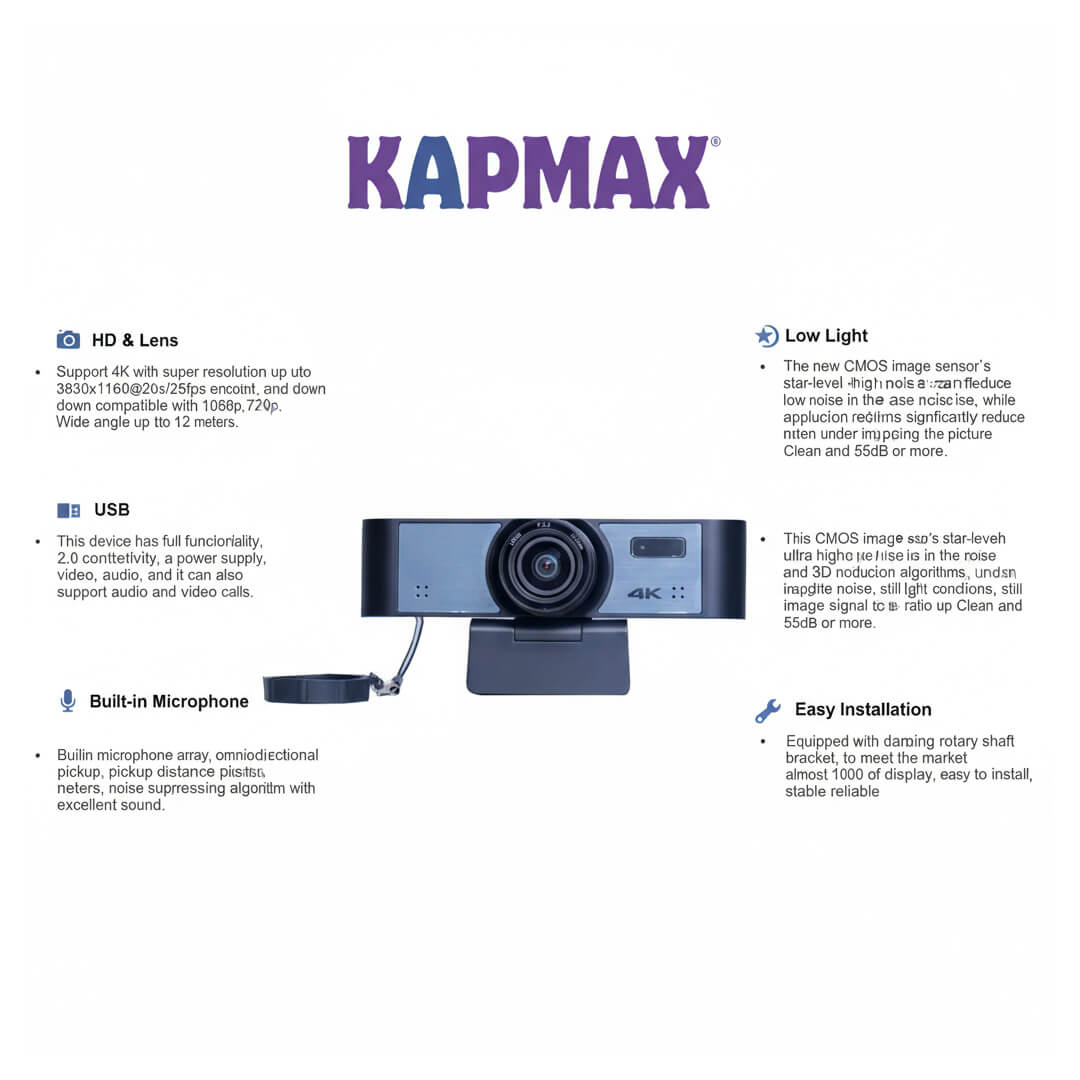
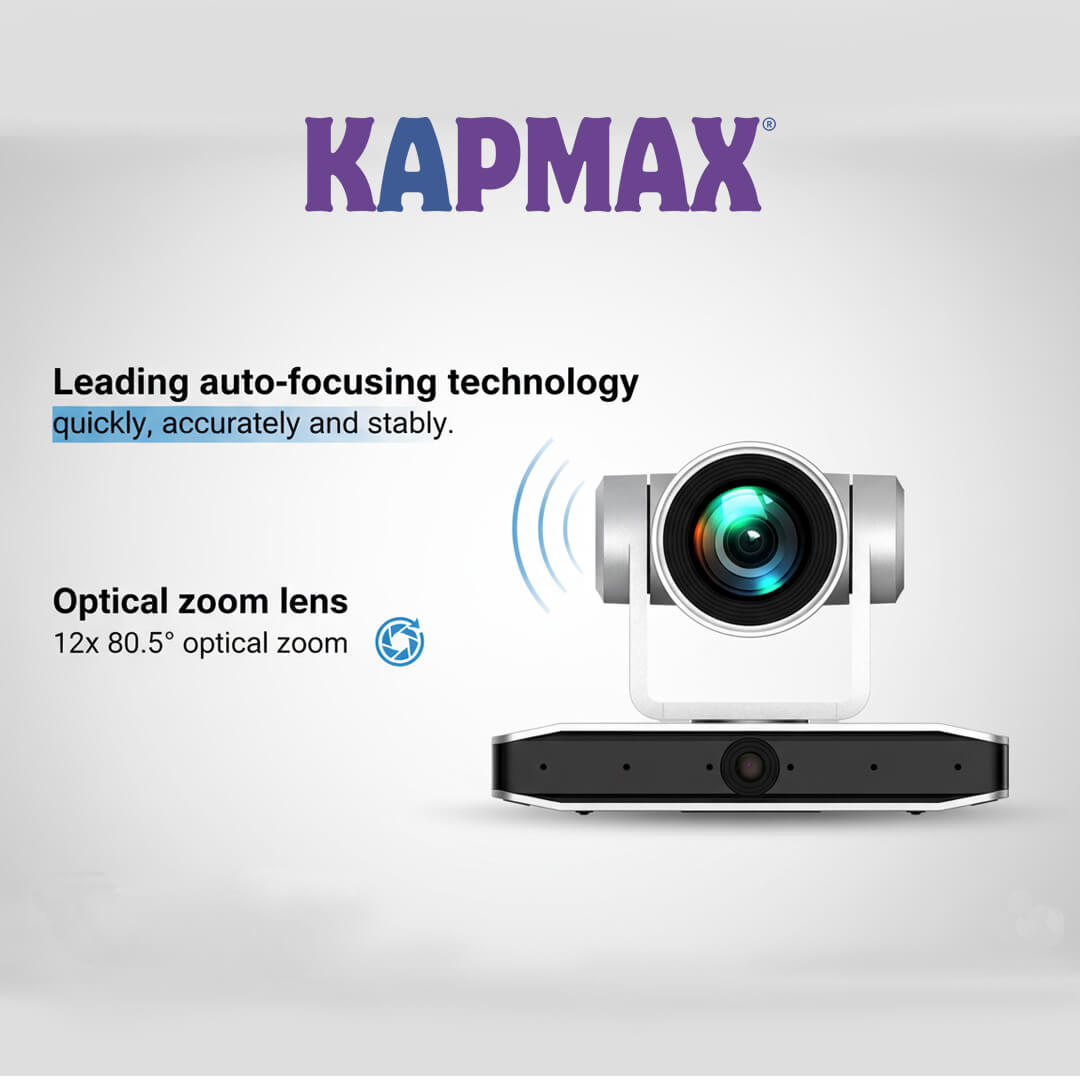
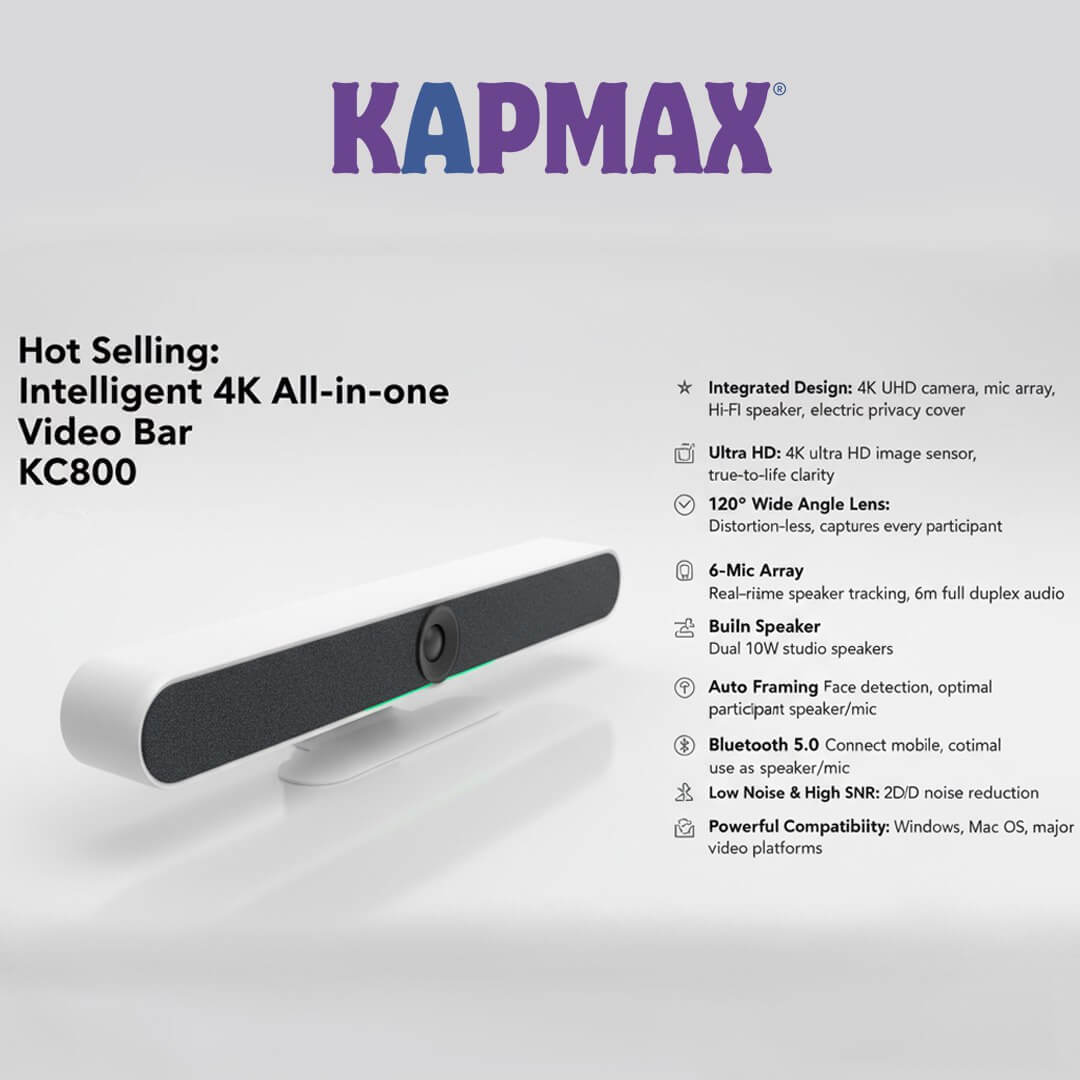
If your team does hybrid meetings, get a panel with an integrated 4K camera, microphone array, and quality speakers.
This eliminates the need for separate conferencing equipment.
Look for 3 to 5 years comprehensive warranties. Check if the brand has service centers in your city.
Indian brands and international brands with local presence offer better support than imported options.
Installing an interactive flat panel for the meeting room is simpler than you think.
Wall mount (most common): Requires sturdy wall and professional installation. Cost: ₹5,000-₹12,000.
Mobile stand: Lets you move the panel between rooms. Cost: ₹15,000-₹35,000.
Fixed floor stand: Permanent placement with cable management. Cost: ₹8,000-₹18,000.
Most vendors offer free installation and training with purchase.
Let’s break down the real numbers for a typical Indian corporate office.
The panel pays for itself in 2-3 years through time savings alone.
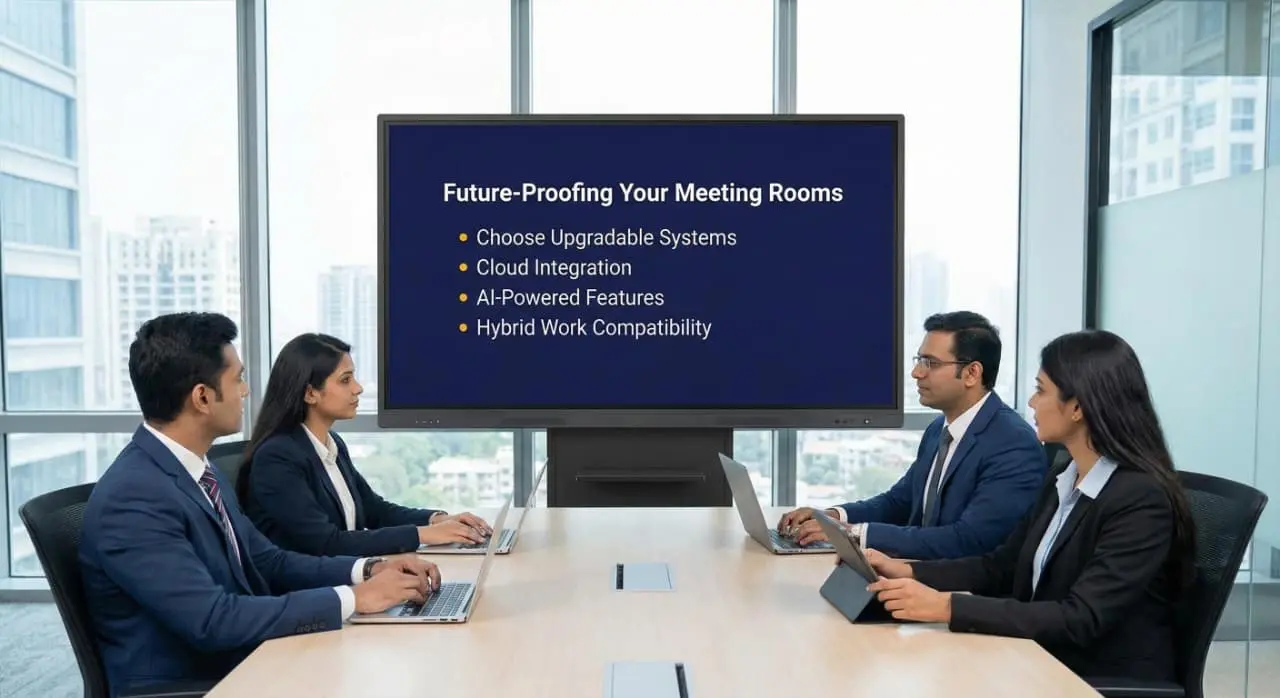
Technology moves fast. Here is how to ensure your investment stays relevant:
Select panels with regular firmware updates and strong manufacturer support. Android-based systems receive updates for features and security.
Panels that connect to cloud services (Google Workspace, Microsoft 365, Dropbox) remain useful as your workflow evolves.
Newer models include AI-assisted whiteboarding, automatic meeting transcription, and smart content suggestions. These features improve over time through updates.
As hybrid work becomes permanent in Indian corporates, your meeting room tech must support seamless remote collaboration. Interactive panels are built for this.
The choice between interactive flat panels and projectors isn’t really a choice anymore—it’s an upgrade your meeting room deserves.
Your meetings are where ideas become action, where teams align, and where clients are impressed. Do not let outdated technology hold you back.
Interactive flat panels typically last 50,000+ hours of use, which translates to 15-20 years in a standard office environment with 8-hour daily usage. Unlike projectors, they don’t have lamps that burn out or filters that need replacement. The LED/LCD technology degrades very slowly, maintaining 80-90% brightness even after a decade of use.
Yes, absolutely. Interactive flat panels integrate seamlessly with Zoom, Microsoft Teams, Google Meet, Webex, and other platforms. Most panels come with built-in cameras and microphones, but you can also use your existing conferencing hardware. They have multiple HDMI and USB ports to connect to external devices. Many also support wireless connectivity to conferencing systems.
Not really. Basic requirements include a power outlet and Wi-Fi connection. For optimal performance, ethernet connectivity is recommended. The panels run on Android or Windows, so your IT team will find them familiar. Most features work standalone, and cloud integration is optional. If you’re using wireless screen sharing heavily, ensure your network can handle the bandwidth (a dedicated network for the meeting room is ideal).
Interactive panels are significantly better for hybrid meetings than projector setups. The built-in cameras provide wide-angle views of the room, microphone arrays pick up voices from all angles, and the large display ensures remote participants are visible to everyone. You can share content, annotate together, and save notes, all visible to both in-room and remote attendees simultaneously. Many panels also have smart framing that automatically adjusts the camera to focus on active speakers.
Maintenance is minimal for just occasional screen cleaning with a microfiber cloth and approved screen cleaner (avoid harsh chemicals). There are no lamps to replace, filters to clean, or alignment to adjust. Software updates happen automatically if connected to the internet. Most manufacturers recommend a professional cleaning and inspection once a year for corporate environments, but the panels function perfectly with just basic care. Budget around ₹2,000-₹5,000 annually for professional maintenance if you want it, though it’s not strictly necessary.