If you are still relying on dusty chalkboards or outdated projectors, you’re missing out on a revolution in education technology. Your students are digital natives who expect dynamic, interactive learning experiences, and you deserve tools that make teaching easier, not harder.
Enter the interactive flat panel display: a game-changing smart board that combines touchscreen technology, crystal-clear visuals, and collaborative features into one powerful teaching tool.
In this guide, you’ll discover exactly what an interactive flat panel is, why it outperforms traditional digital whiteboards, and how you can use it to create engaging lessons that your students will remember.
Table of Contents
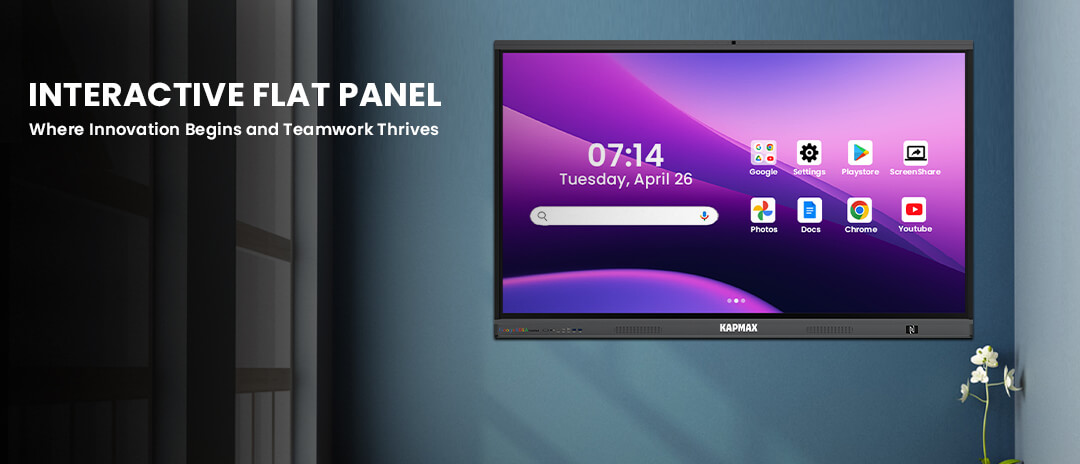
An interactive flat panel display (IFP) is a large touchscreen monitor that functions as an advanced digital whiteboard, display screen, and collaboration hub all in one device.
Think of it as a giant tablet mounted on your classroom wall. You can write on it, display multimedia content, run educational apps, connect to the internet, and even have multiple students interact with it simultaneously.
Key components include:
Unlike older smart boards that require projectors and constant calibration, modern IFP displays are standalone units that work right out of the box.
Many educators use these terms interchangeably, but there are important distinctions:
Traditional Smart Board
Interactive Flat Panel Display
Bottom line: An IFP is essentially a smart board on steroids that are more reliable, more powerful, and far easier to use.
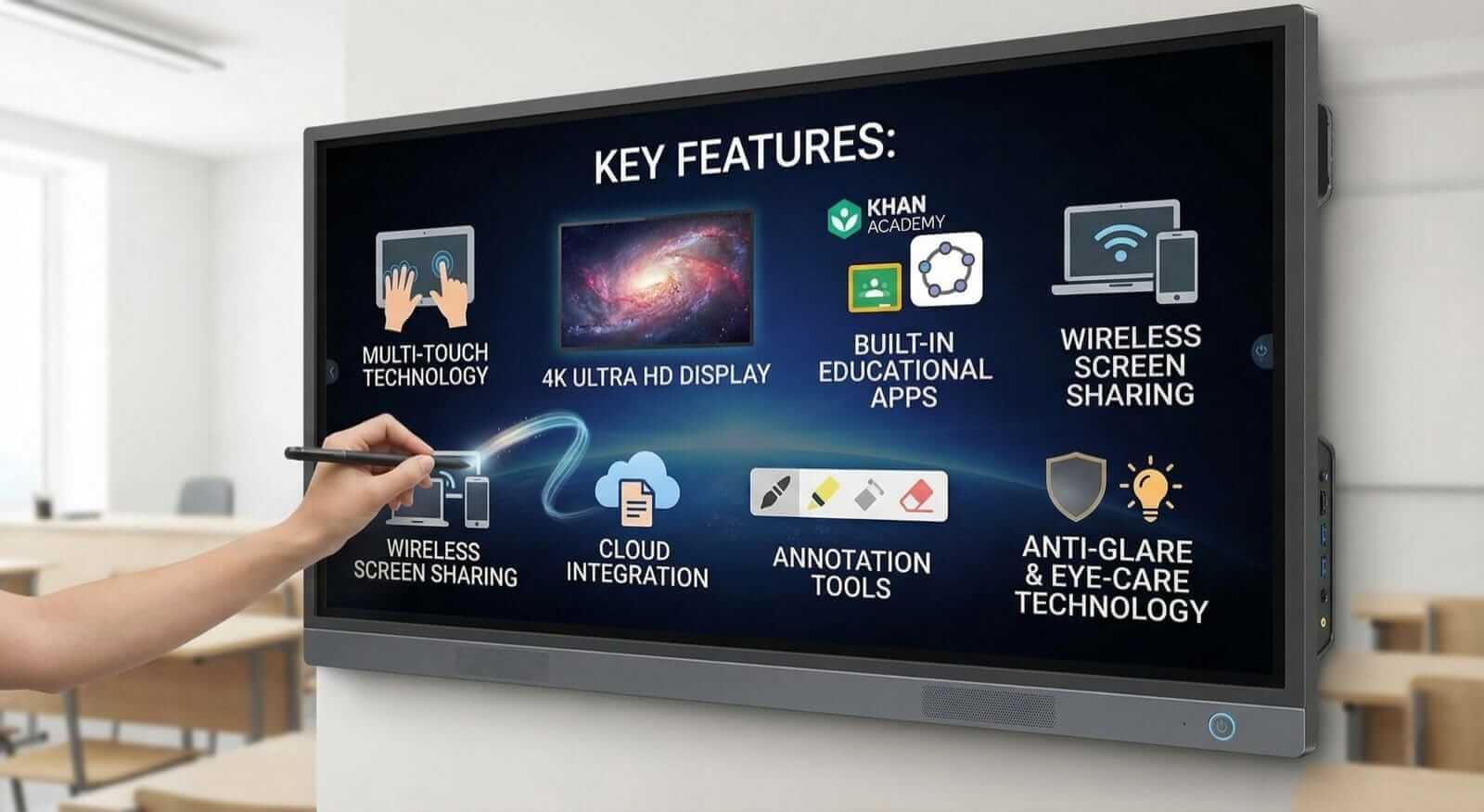
Your entire class can interact with the screen simultaneously. Up to 20 students can write, draw, or manipulate objects at once, making group activities incredibly engaging.
Every diagram, video, and text appears in stunning clarity. Your students in the back row will see content as clearly as those in front.
Most interactive flat panels come preloaded with teaching software, annotation tools, and subject-specific applications that you can use immediately.
Project your laptop, tablet, or smartphone screen wirelessly. Students can also share their work from their devices, fostering collaborative learning.
Access Google Drive, OneDrive, or other cloud storage directly from the panel. Save and share your lessons instantly without USB drives.
Write over any content videos, PDFs, web pages, presentations using digital pens or your finger. Save these annotations for future reference.
Advanced screen coatings reduce glare and blue light, protecting both you and your students during extended use.
Interactive lessons capture attention far better than static presentations. When students can physically interact with content, learning retention jumps significantly.
Real example: A history teacher used the IFP to let students annotate historical maps, identify battle locations, and create timeline visualizations. Test scores improved by 28% that semester.
Access thousands of pre-made lessons, templates, and interactive activities. No more spending hours creating materials from scratch.
Record your lessons directly on the panel and share them with remote students. Screen share with video conferencing platforms like Zoom or Google Meet built right in.
Eliminate paper handouts, printer ink, and physical textbooks. Your digital whiteboard never needs replacement markers or erasers.
Software updates keep your panel current. As new educational apps and features emerge, your IFP evolves with them.
For Elementary Teachers
For Secondary Educators
For Special Education
For Language Teachers
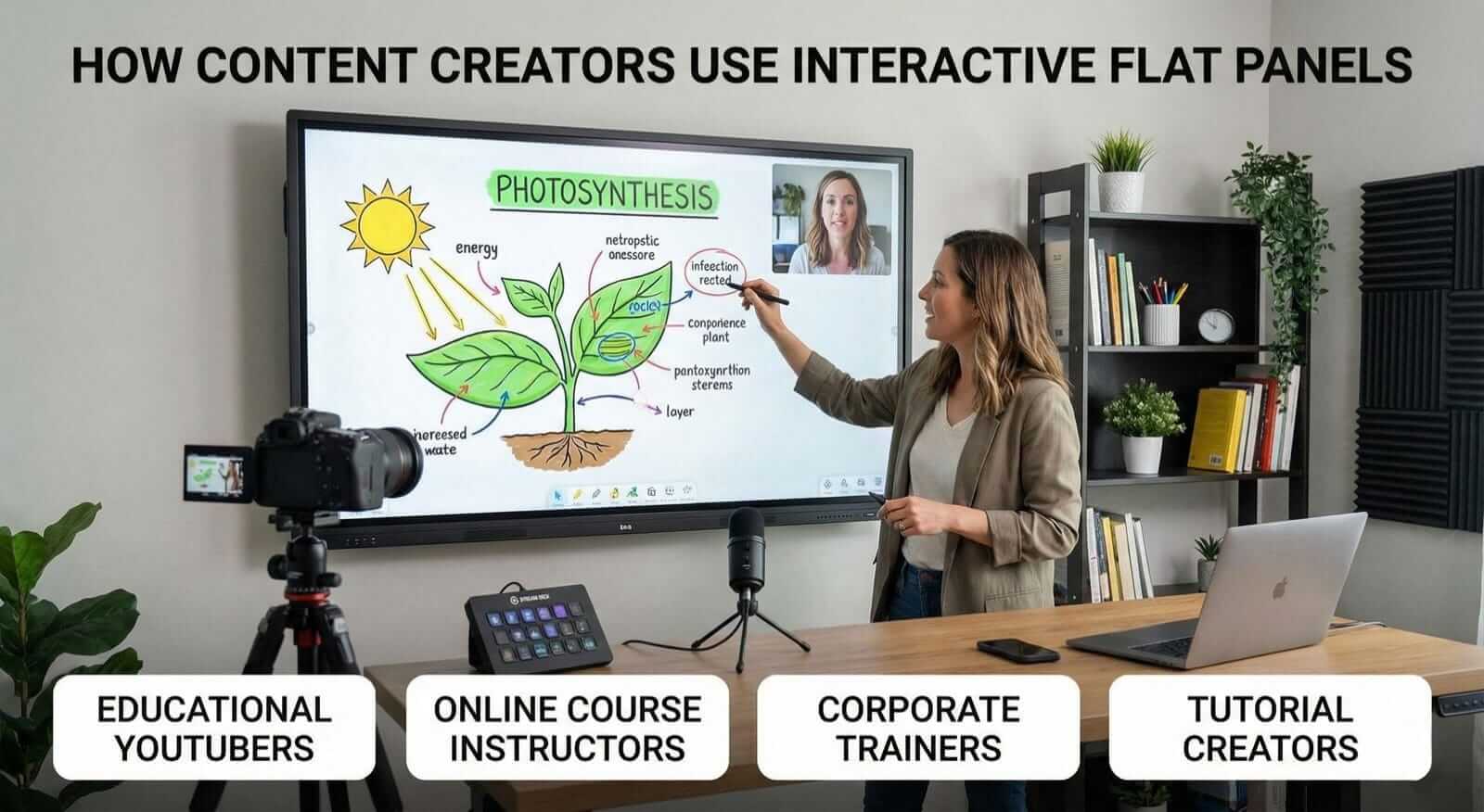
Beyond traditional classrooms, content creators are discovering the power of IFP displays:
Educational YouTubers
Record polished tutorial videos with professional looking annotations and diagrams. Your viewers see exactly what you’re drawing or highlighting in real time.
Online Course Instructors
Create dynamic course materials that students can interact with during live sessions. The built-in recording features make it easy to produce high quality video lessons.
Corporate Trainers
Deliver engaging professional development workshops with interactive exercises, real-time quizzes, and collaborative brainstorming sessions.
Tutorial Creators
Demonstrate software, design principles, or technical concepts with crystal-clear screen captures and annotations that make complex topics easy to understand.
Screen Size Considerations
✓ 4K resolution minimum ✓ Android 14 or newer operating system ✓ At least 10-point multi-touch ✓ Wireless screen mirroring ✓ Built-in whiteboarding software ✓ USB-C connectivity for easy device connection ✓ Warranty of at least 3 years
Budget Planning
Entry-level panels start around 1 Lakh for smaller sizes, while premium 86 inch models with advanced features can exceed 4 Lakhs. Consider this long-term investment that will serve your classroom for 7 to10 years.
Top Brands to Consider
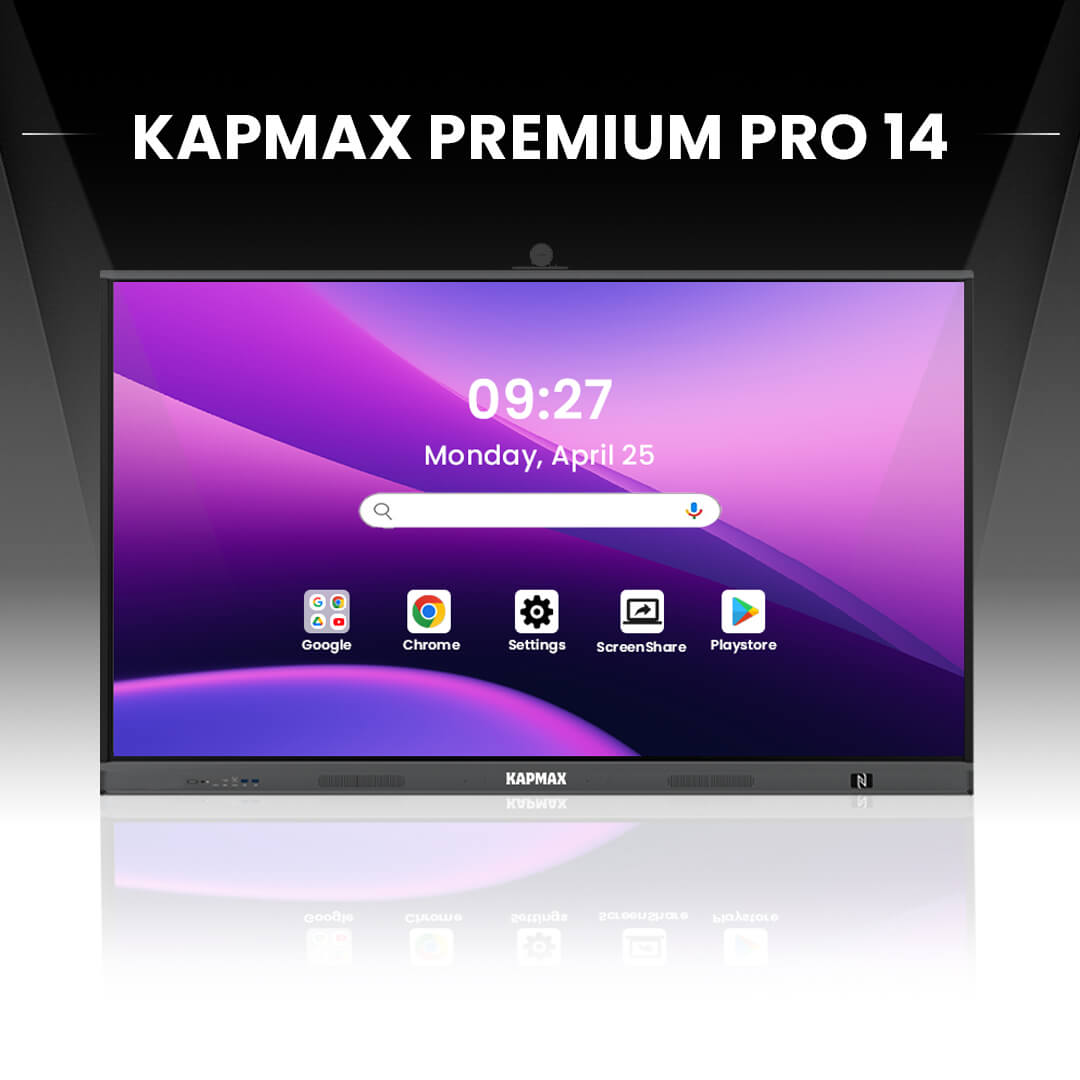
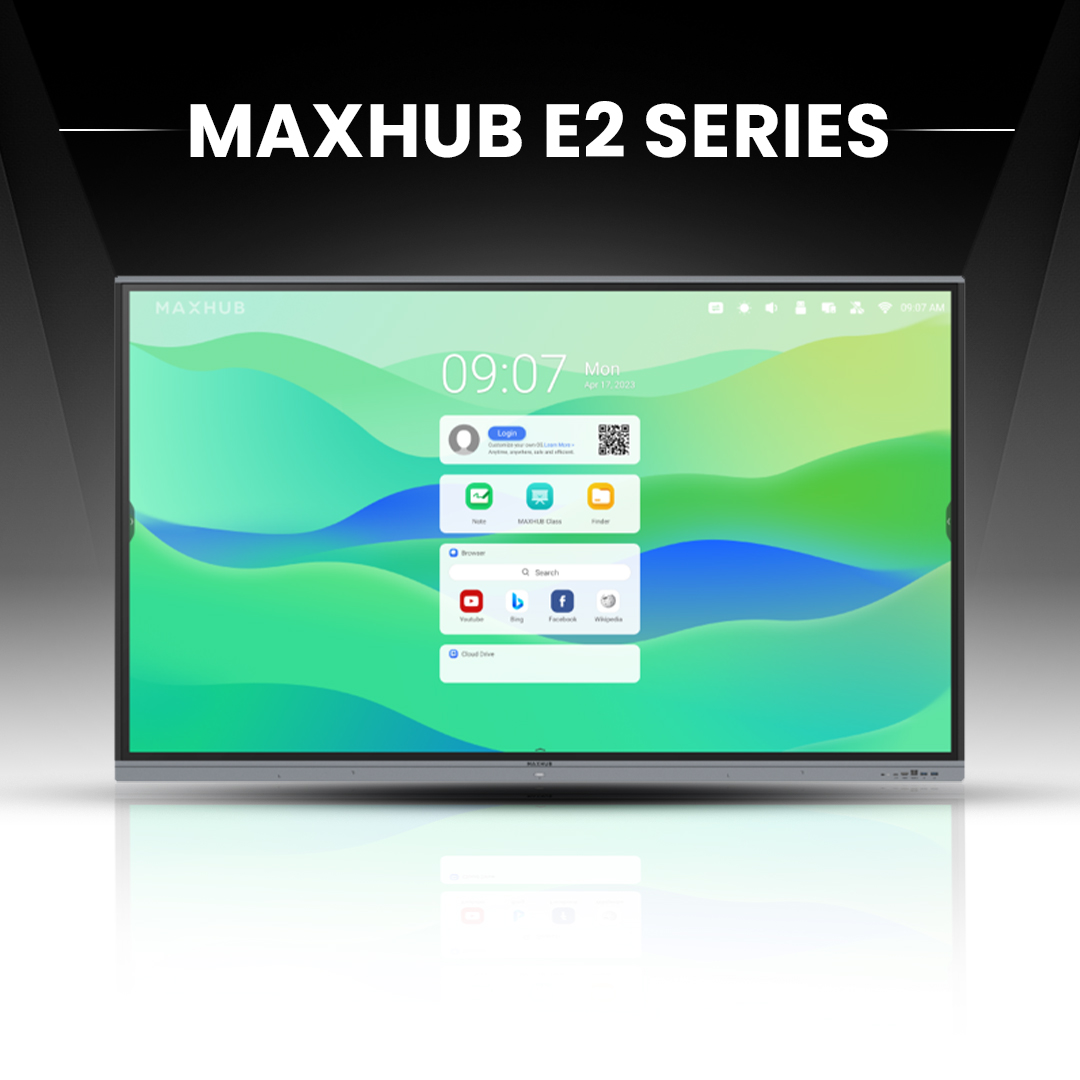
Research models from Kapmax, Maxhub, ViewSonic, Samsung, and LG. Read educator reviews and request demos before purchasing.
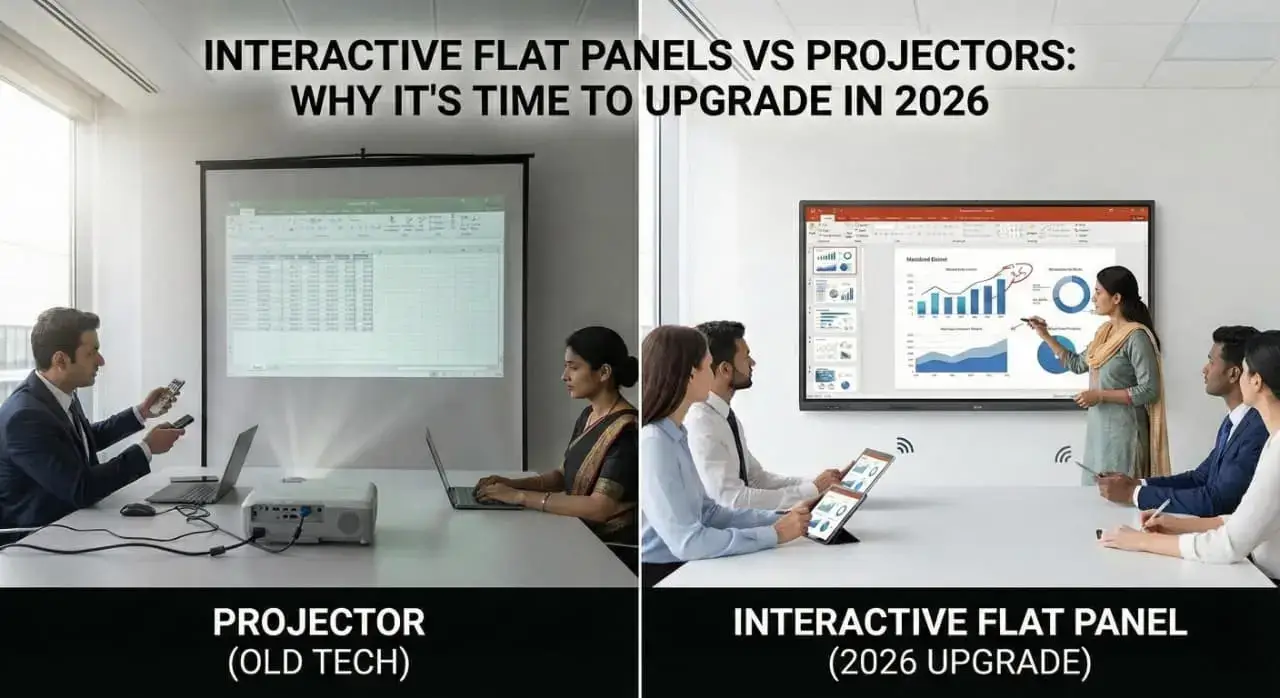
Mistake #1: Using It Just Like a Projector
Do not simply display PowerPoint slides. Take advantage of interactive features, multi-touch capabilities, and collaborative tools that make the IFP unique.
Mistake #2: Ignoring Professional Development
Invest time learning the advanced features. Most manufacturers offer free online training that can transform how you teach.
Mistake #3: Not Creating Interactive Content
Static content wastes the panel potential. Use apps that encourage student participation, such as polls, quizzes, and collaborative whiteboards.
Mistake #4: Poor Classroom Management
Establish clear rules for screen interaction. Without structure, novelty can become a distraction rather than a learning tool.
Mistake #5: Neglecting Maintenance
Clean the screen regularly with proper solutions, update software, and check connections periodically to ensure optimal performance.
Q1: What’s the difference between an interactive flat panel and a smart board?
A smart board typically requires an external projector and suffers shadows and calibration issues. An interactive flat panel is an all-in-one device with a built-in high definition display, no projector needed, and superior image quality.
Q2: Can I use an IFP without an internet connection?
Yes! Most interactive flat panels have built-in apps and whiteboarding software that work offline. However, internet connectivity unlocks cloud features, browser access, and screen sharing capabilities.
Q3: How long do interactive flat panels last?
With proper care, quality IFP displays last 7-10 years or approximately 50,000 hours of use. They’re far more durable than projector-based systems that require frequent bulb replacements.
Q4: Are interactive flat panels difficult to install?
Professional installation is recommended, but not complex. Most panels come with wall mounts or mobile stands. Installation typically takes 2-3 hours, and many vendors include setups at the purchase price.
Q5: Can students with visual impairments use an IFP effectively?
Absolutely. You can adjust text size, contrast, and colors to accommodate visual needs. Many panels also support screen reader software and other assistive technologies for inclusive learning.
The interactive flat panel display isn’t just another piece of classroom technology. It is a fundamental shift in how you can engage, inspire, and educate your students.
From multi-touch collaboration and 4K clarity to seamless hybrid teaching and eco-friendly operation, IFP technology addresses the real challenges you face as an educator in 2026.
Whether you’re teaching elementary math, high school chemistry, or creating online courses, the right digital board transforms your content from static to spectacular.
Ready to revolutionize your teaching? Start by requesting demos from top manufacturers, talking to colleagues who already use IFPs, and exploring grant opportunities that might fund your classroom upgrade.
Subscribe to our newsletter for weekly tips on educational technology, lesson plan templates optimized for interactive displays, and exclusive discounts on teaching resources