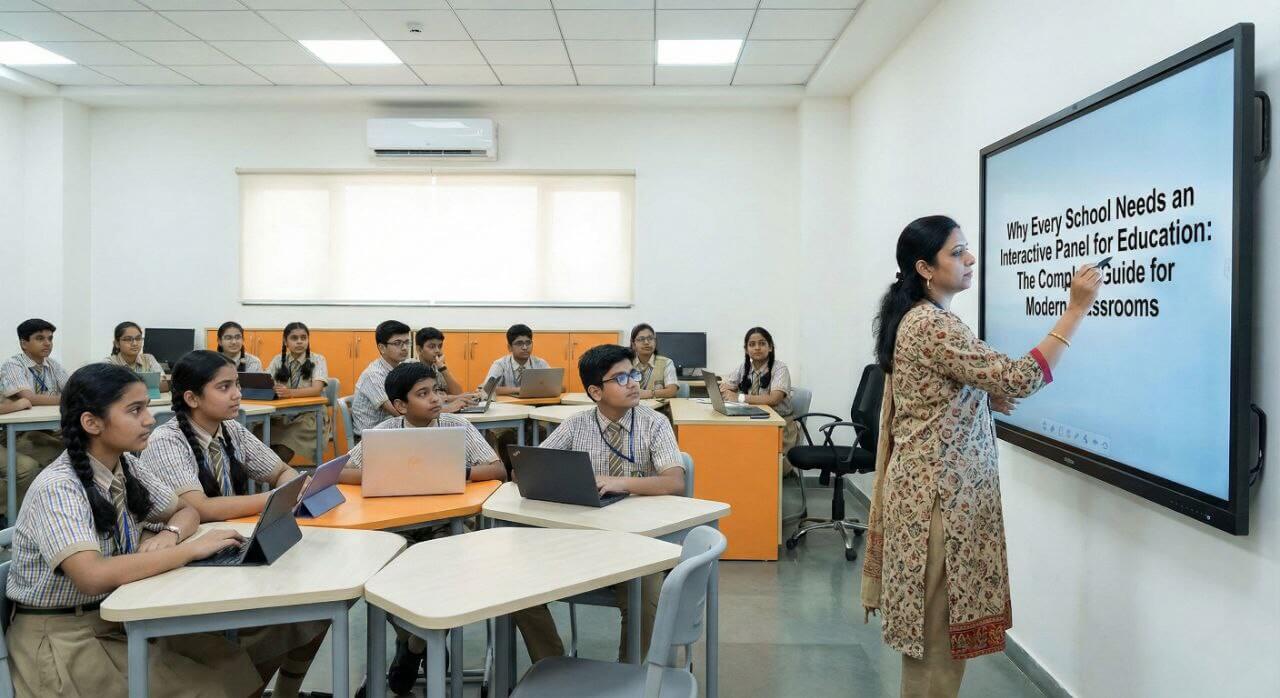
Here’s something that might surprise you: students remember 60% more information when they learn through interactive visuals compared to sitting through traditional lectures.
I have walked into countless classrooms where teachers are still writing on dusty whiteboards while their students scroll through Instagram under their desks. There is a massive disconnect between how kids consume information at home and what we are offering at school.
If you have ever felt like you are fighting a losing battle for your students’ attention, or if you are a school leader watching other institutions leap ahead with technology, interactive panels might be the answer you’ve been looking for. I am going to walk you through exactly why these tools have become game-changers for educators and how you can bring them into your school.
Table of Contents
What Are Interactive Panels for Schools?
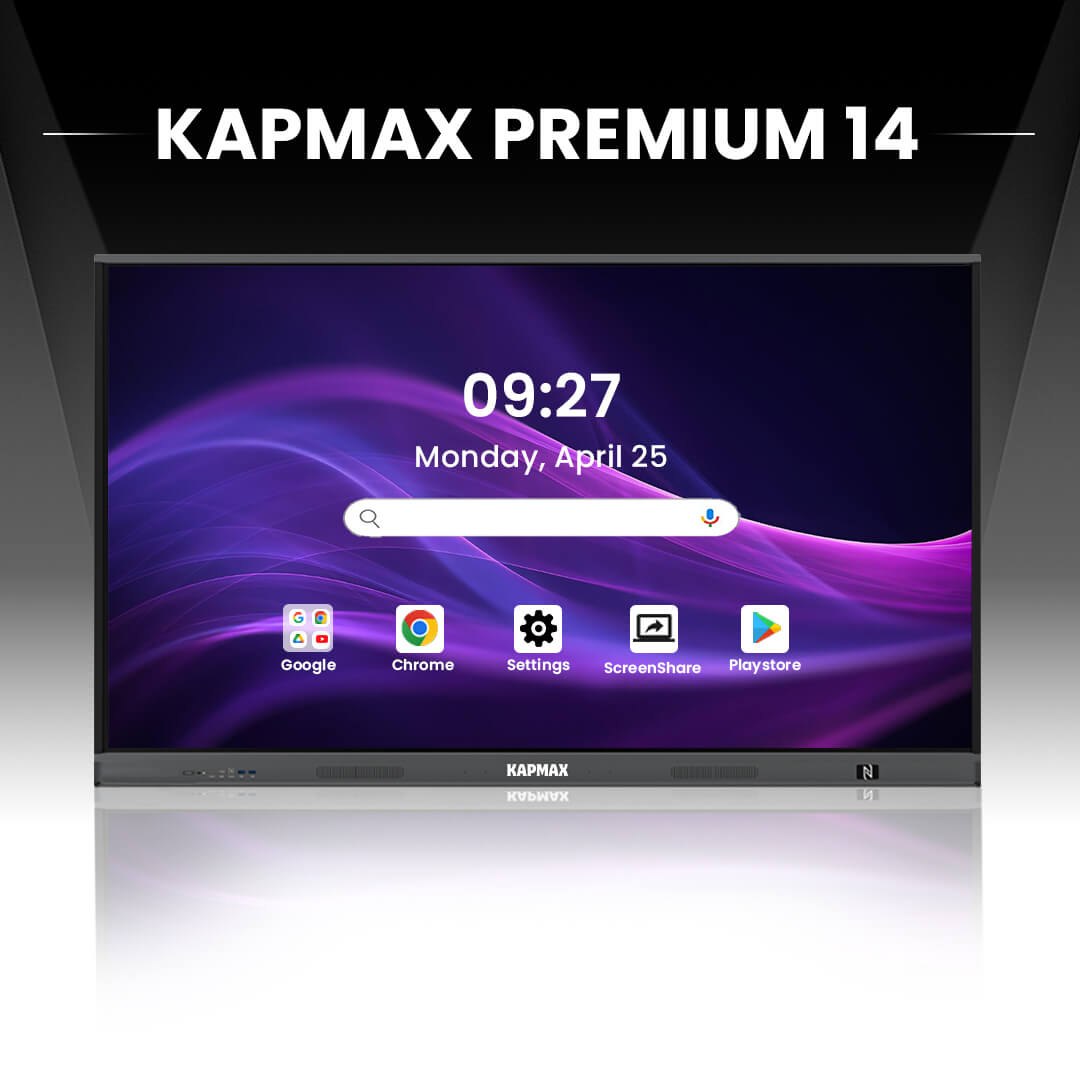
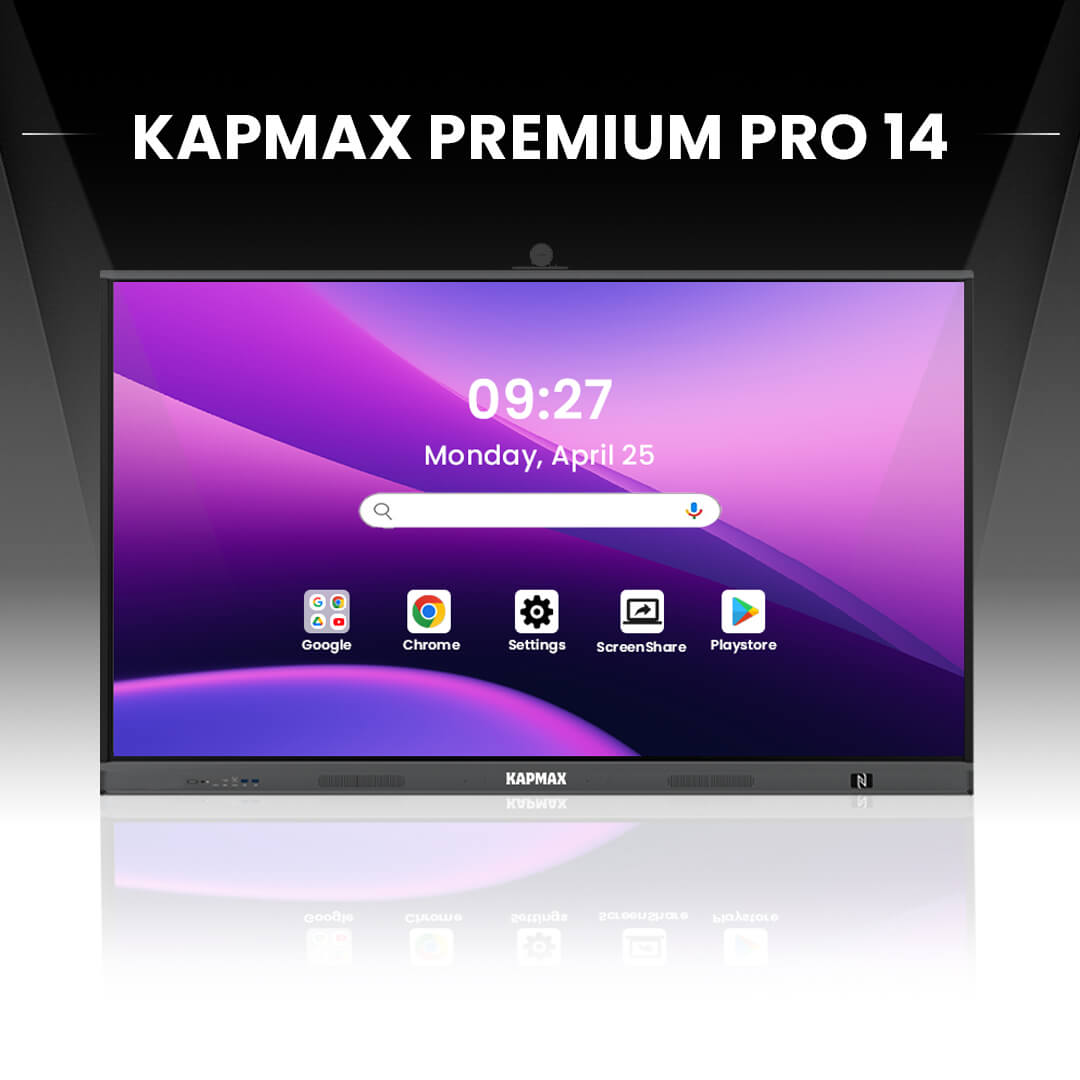
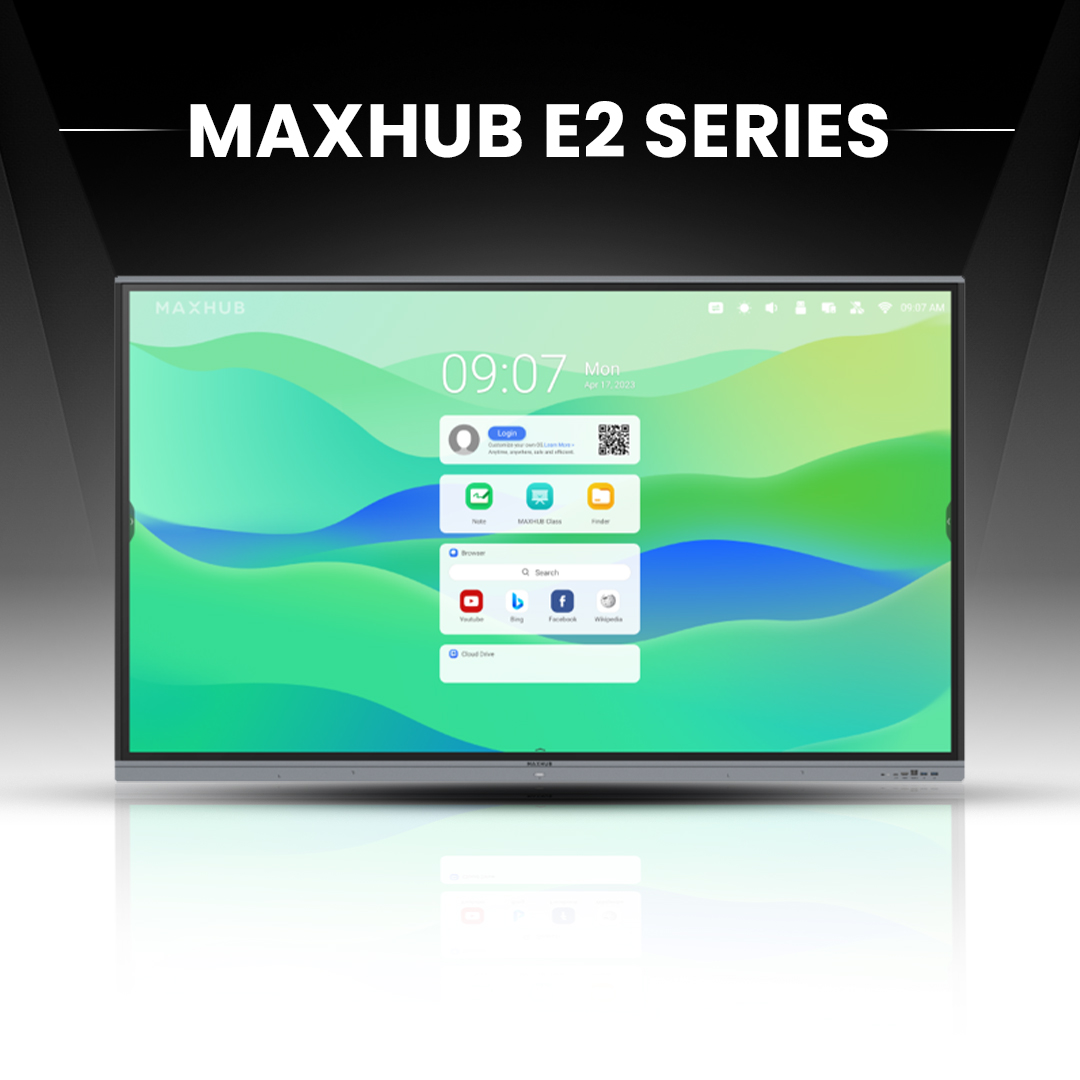
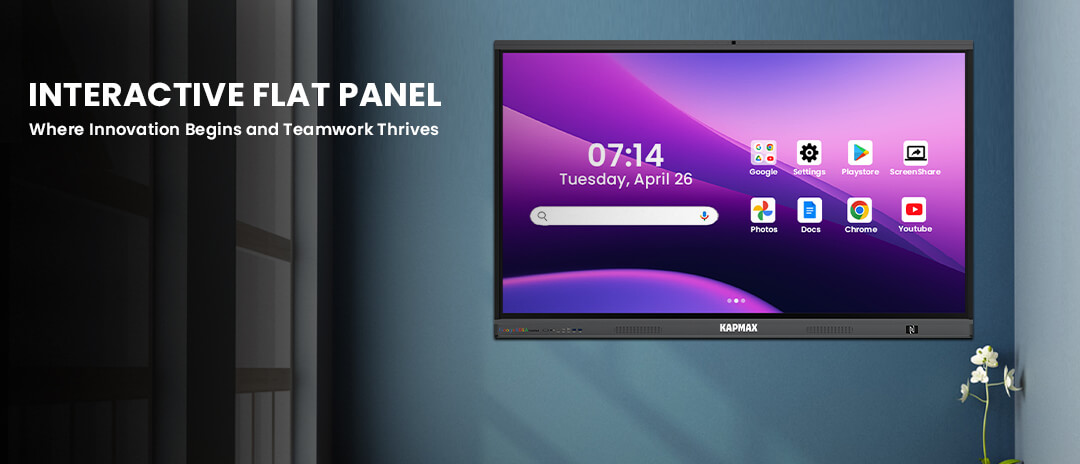
Let me break this down in simple terms. Interactive panels (some people call them smart boards for schools or IFP for schools, which stand for Interactive Flat Panels) are basically massive touchscreen displays mounted on your classroom wall.
Imagine taking an iPad, blowing it up to 75 inches, and giving it superpowers. That is what we are talking about here.
You can write on them with your finger, pull up YouTube videos, run educational apps, browse websites, and even connect your students’ tablets or laptops wirelessly. Everything you’d normally juggle with a computer, projector, and whiteboard gets rolled into one sleek package.
Here’s what these panels can do:
The Critical Problems Facing Traditional Classrooms
Let’s be honest about what’s not working in many classrooms right now.
Declining Student Engagement
Your students grew up with iPads in their hands. They’re used to swiping, tapping, and getting instant feedback. When you ask them to sit still and watch you write on a board for 45 minutes, you’ve already lost half the room. It’s not their fault, and it’s not yours, it is just the reality of teaching digital natives with analog tools.
Limited Teaching Resources
With traditional teaching, you’re stuck with whatever you can physically carry into your classroom. Do you want to show a documentary? Better hope the AV cart is available. Do you need to reference three different textbooks? Good luck keeping everyone on the same page. It is exhausting.
Inconsistent Learning Experiences
Walk down any school hallway and you’ll see it: one teacher has a projector, another has a document camera from 2003, someone else is making do with overhead transparencies. Kids deserve better than this patchwork approach to education.
Digital boards for schools level the playing field and give every teacher access to world-class teaching tools.
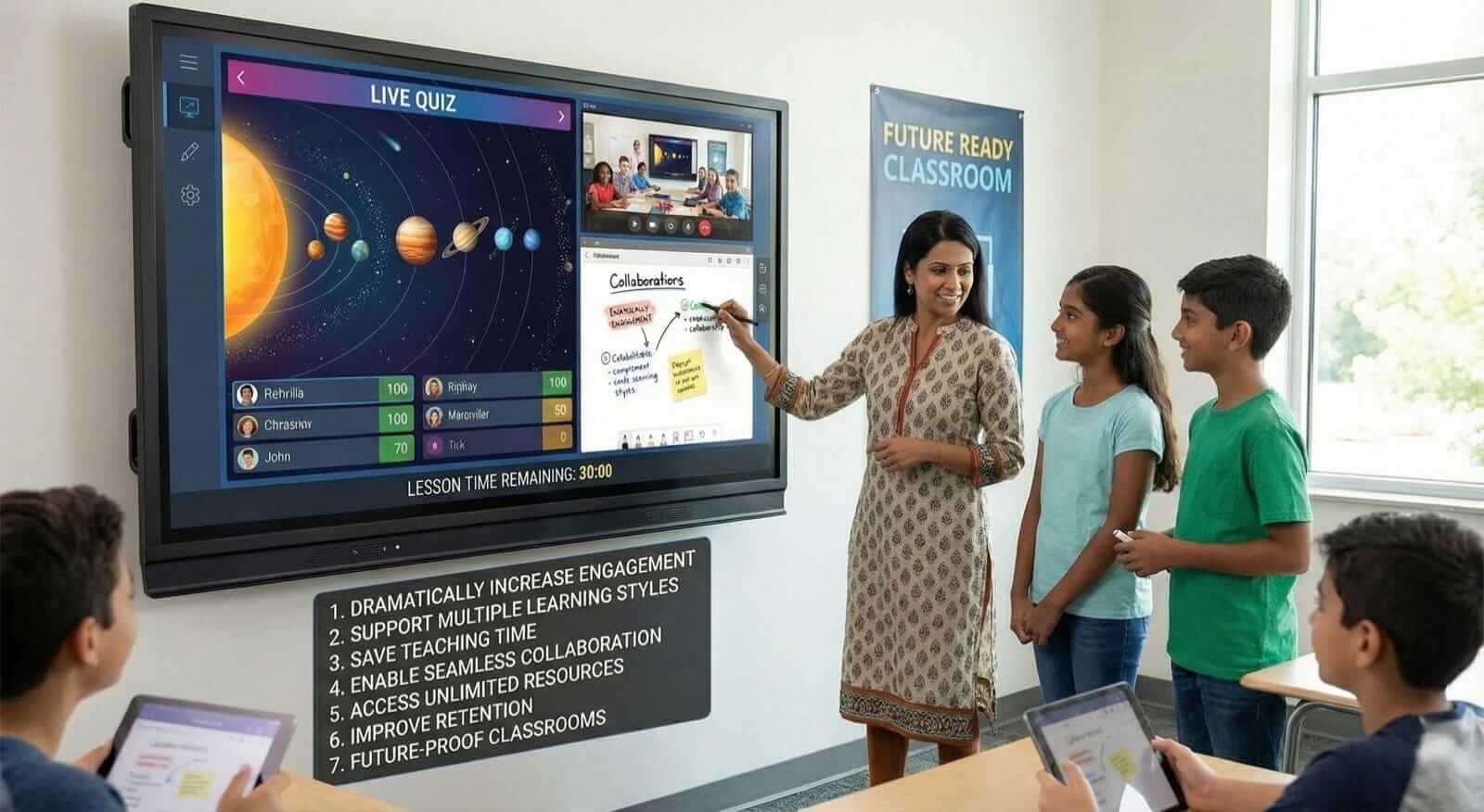
7 Compelling Reasons Every School Needs Interactive Panels
I have seen this transformation firsthand. Students who normally zone out suddenly have their hands up when they can interact with the lesson on screen.
There’s something about physically touching, moving, and manipulating content that flips a switch in kids’ brains. Instead of being passive observers, they become active participants. Some school’s report engagement jumping by as much as 80% after installing these panels.
We all know that one-size-fits-all teaching doesn’t work. You’ve got visual learners who need to see diagrams, auditory learners who need to hear explanations, and kinesthetic learners who need hands-on interaction.
The beautiful thing about interactive panels for schools is that they hit all three at once. Show a video, play the narration, and let students drag elements around on screen. Everyone gets what they need.
Think about how much time you waste each week writing the same information on the board, erasing it, and rewriting it for the next period. Or hunt through file cabinets for that worksheet you used last year.
With digital boards, you prepare your lesson once, save it, and pull it up in two seconds whenever you need it. Want to reference something from three weeks ago? It’s right there in your saved files. This efficiency gives you back hours every week to teach instead of doing administrative busy work.
Today’s workplace is all about collaboration and teamwork. We need to teach those skills in school, but traditional setups make it awkward.
Interactive panels change everything. Multiple kids can work on the screen at the same time. You can split the screen into sections for different groups. Students can share their work from their seats directly to the main display. It creates this dynamic, collaborative environment that mirrors real-world work.
Your classroom walls don’t limit you anymore. With an internet connection, you have got access to virtually everything:
One teacher I know brings in a marine biologist via video chat every semester. Her students get to ask questions to an actual scientist. That simply was not possible before.
Here’s what the research tells us: when students interact with content instead of just watching a lecture, they remember 25 to 60% more of what they learned.
It makes sense when you think about it. Which would you remember better reading about the water cycle or manipulating an interactive diagram that shows water evaporating, condensing, and precipitating? The hands-on experience creates stronger memories.
Let’s face it, our kids are entering a world where digital literacy is not optional. Students who graduate without knowing how to use technology effectively are at a serious disadvantage.
Smart boards for schools give students daily practice with digital tools in an educational context. Plus, schools with modern technology attract better teachers and more student applications from families who care about quality education.
How Interactive Panels Transform Different Subject Areas
Mathematics
Forget static equations on a whiteboard. With interactive panels, you can manipulate graphs in real-time, animate geometric proofs, and have students solve problems collaboratively on screen. When kids can drag points on a parabola and watch the equation change, suddenly algebra clicks in a way it never did before.
Science
This is where interactive panels really shine. You can show 3D models of molecules that students can rotate and examine. Pull up virtual dissections for squeamish students. Display live weather data or earthquake monitors. Run simulations of chemical reactions without safety hazards.
One biology teacher told me she can now show cellular processes at work in ways that make her old textbook diagrams look prehistoric.
Language Arts
Display a poem and have the whole class annotate it together. Play clips of famous speeches. Show interviews with authors. Create multimedia presentations that combine text, images, and video. Students can share their creative writing projects and get immediate peer feedback displayed for everyone.
History and Social Studies
Take your class on virtual field trips to the Colosseum or the Great Wall of China. Pull up primary source documents with high resolution. Create interactive timelines where students can add information. Show breaking news as historical events unfold. Maps become explorable rather than static posters on the wall.
Art and Music
Display famous paintings in museum-quality resolution. Show technique videos from master artists. Use digital drawing tools for demonstrations. Access collections from galleries worldwide. Music teachers can display sheet music, play backing tracks, and record student performances for immediate playback and critique.
Choosing the Right Interactive Panel for Your School
Shopping for IFP for schools can feel overwhelming with so many options. Here is what matters:
Screen Size
For a typical classroom with 20 to 30 students, you’re looking at 65 to 75 inches. Larger lecture halls might need 86 inches or bigger. Measure your room and consider the viewing distance from the back row.
Resolution
Don’t cheap out here. Go for 4K Ultra HD. The difference in text clarity is massive, especially for younger students who are still developing reading skills. Blurry text on a giant screen gives everyone a headache.
Touch Technology
Make sure you get at least 20 touch points. This lets multiple students work on the screen simultaneously without the system getting confused about whose finger is whose. Infrared technology tends to be the most responsive.
Software Compatibility
Your panel needs to play nicely with whatever devices your school already has. Check that it works seamlessly with Windows, Mac, Chromebooks, iPads, whatever your teachers and students are using.
Durability and Warranty
School equipment takes a beating. Look for tempered glass screens that can handle daily use by energetic students. Anti-glare coating is essential. And make sure you get at least a 3 to 5 year warranty that covers both parts and labor.
Built-in Features
The best panels come loaded with useful extras: good quality speakers, built-in cameras for video conferencing, multiple USB ports, wireless connectivity, and sometimes even built-in Android operating systems that let them function without a connected computer.
Implementation: Getting Started with Digital Boards
Step 1: Start with a Pilot Program
Don’t make the mistake of installing panels in every classroom on day one. Start small with 2-3 teachers who are excited about technology and willing to experiment. Their early wins will inspire the skeptics.
Step 2: Provide Comprehensive Training
Here’s where many schools drop the ball. You can not just mount these panels and expect magic to happen. Teachers need proper training:
Schedule training during planning periods or professional development days. Make it ongoing, not just a one-time thing.
Step 3: Create a Resource Library
Set up a shared drive where teachers can swap lesson plans, activities, and tips. When someone figures out a clever use for the panel, everyone should benefit. This collaborative approach accelerates adoption across your whole school.
Step 4: Gather Feedback and Iterate
Check in regularly with teachers and students. What features will get used most? What’s confusing? What additional training would help? Use this feedback to adjust your approach and inform future purchasing decisions.
Step 5: Scale Gradually
As comfort levels grow and success stories pile up, expand to more classrooms. This measured approach ensures you don’t overwhelm staff or strain your budget. Most schools find that by year two or three, everyone’s asking for panels in their rooms.
Overcoming Common Concerns About Interactive Panels
“They’re Too Expensive”
I get it seeing that price tags can be shocking. But let’s look at the full picture.
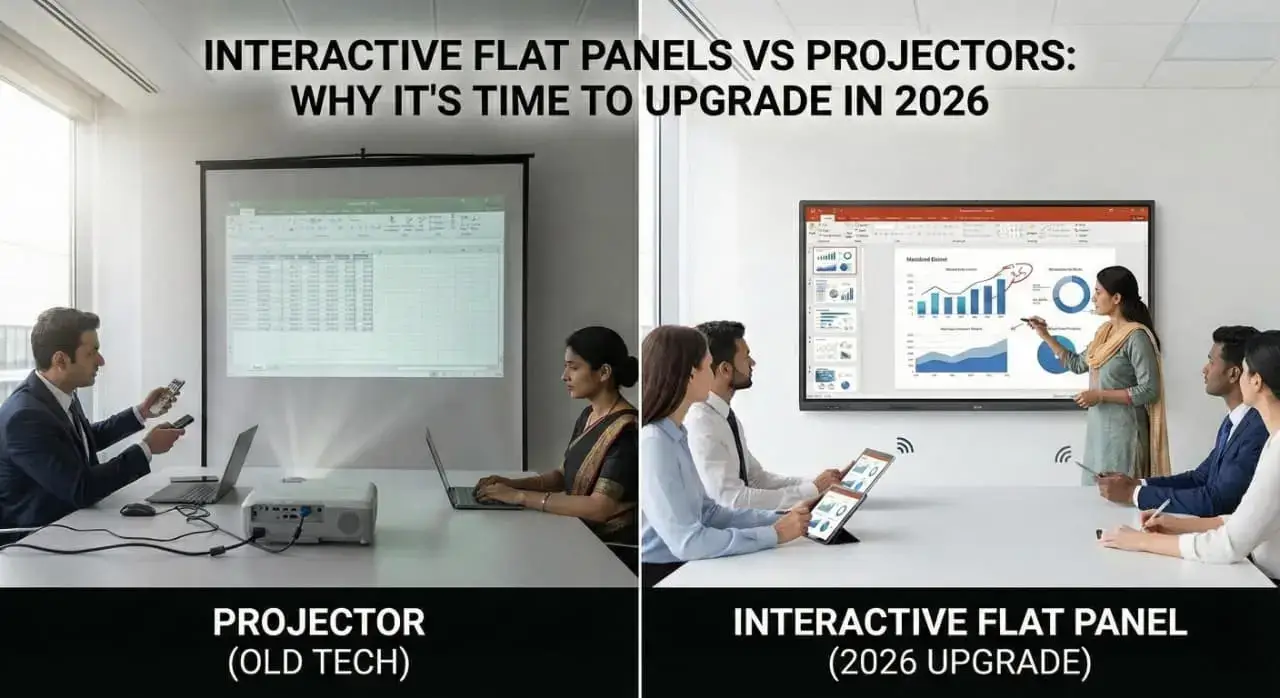
You’re replacing projectors (and their expensive bulbs that burn out), dedicated computers, whiteboards, markers, and tons of printed materials. Over a 5 to 7 year lifespan, many schools save money.
Plus, there are grants and technology funding programs specifically designed to help schools purchase interactive panels for schools. Many districts have successfully funded entire rollouts through a combination of grants, PTO fundraising, and staggered budget allocations.
“Teachers Won’t Use Them”
This concern usually comes from administrators who’ve seen expensive equipment gather dust in the past. The difference here is that interactive panels make teaching easier once you get past the learning curve.
The key is proper training and starting with enthusiastic early adopters. When the resistant teachers see their colleagues engaging students more effectively with less effort, most come around naturally.
“What If the Technology Fails?”
Modern interactive panels are surprisingly reliable. We’re not talking about finicky 1990s technology here. These things are built for daily school use.
That said, keep some traditional backup options available during the first year while everyone builds confidence. You will find technical issues are rare. And when they do happen, good vendors offer quick support.
“Students Will Be Distracted”
Research consistently shows the opposite. When technology is integrated purposefully into lessons (not just thrown in as a gimmick), students show improved focus and better comprehension.
The distraction concern usually comes from adults who remember computers as fun distractions from learning. Today’s students see them as normal tools. The novelty wears off quickly, leaving you with an engaged, focused classroom.
Conclusion
Look, will be straight with you. Interactive panels for schools are not just fancy toys or status symbols. They’re essential tools for education in 2026.
They boost engagement in measurable ways. They support how different students learn. They save teachers time and energy. And they prepare kids for the digital world they’re going to work in.
Yes, there’s an upfront cost. Yes, it requires some adjustment. But the educational impact and long-term value make interactive panels one of the smartest investments your school can make.
Your students deserve learning environments that match the world they’re preparing for. Your teachers deserve tools that amplify their effectiveness instead of adding to their already-full plates.
The real question isn’t whether interactive panels are worth it. It’s whether you can afford to be one of the last schools still teaching with 20th-century tools.
Ready to Transform Your Classrooms?
Subscribe to our newsletter for exclusive insights on educational technology, practical implementation guides, and special offers on interactive panels for your school. Join thousands of educators already revolutionizing their teaching approach.
[Subscribe Now]
FAQs
Q1: How much do interactive panels for schools typically cost?
You’re looking anywhere from 1Lakh to 4 Lakh depending on size, features, and brand. I know that sounds steep but remember you’re replacing several pieces of equipment with a projector, computers, whiteboards, and more. These panels typically last 7 to 10 years, which works out to about 30000 to 60000 per year. Many schools successfully secure grant funding or spread purchases across multiple budget cycles. There’s also usually better pricing when you buy multiple units at once.
Q2: Do teachers need special training to use smart boards for schools?
The basic functionality is intuitive. If you can use a smartphone or tablet, you can figure out the basics of an interactive panel within an hour. However, using it effectively for teaching that takes some practice and training. Most vendors offer training programs, and from what I’ve seen, teachers become comfortable within 2-3 weeks of regular use. The learning curve is much shorter than you’d expect, especially with proper support.
Q3: Can interactive panels work with our existing curriculum and materials?
Absolutely. That’s one of the best things about quality IFP for schools they enhance what you’re already doing rather than forcing you to start from scratch. You can display your existing textbooks, worksheets, PowerPoints, and videos. The panel just gives you more ways to interact with those materials. Most panels support every common file format and work with all major educational software platforms.
Q4: What happens if the internet goes down?
Don’t worry, modern interactive panels have plenty of offline functionality. The built-in software, any lessons you’ve saved, and the basic drawing and annotation tools all work without internet. You can still write, save your work, and use any resources you’ve downloaded ahead of time. The internet enhances what you can do, but it’s not required for core teaching functions. Think of it like your smartphone, nicer with Wi-Fi, but still useful without it.
Q5: Are interactive panels suitable for elementary students, or just older grades?
Interactive panels are fantastic for younger students, possibly even better than for older ones. Little kids learn naturally through touch and interaction. They love getting up and manipulating things on the big screen. Many kindergarten and first-grade teachers tell me they see the biggest engagement improvements of anyone. The key is choosing age-appropriate software and apps. From what I’ve observed, elementary schools often report the most dramatic positive changes after installing these panels.